
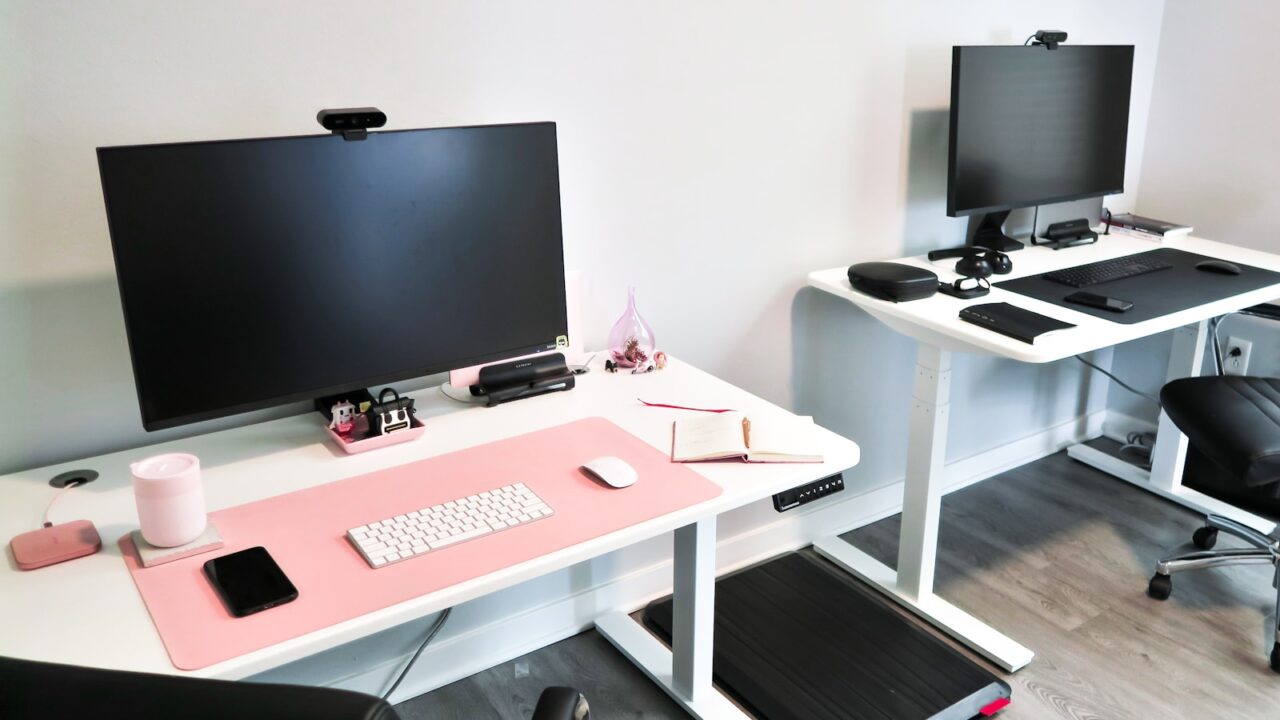
A standing desk for a small home office needs to solve two problems at once: it must fit the room and still feel stable at working height. The best choice is rarely the biggest desk; it is the desk that gives you enough depth, a usable height range, and clean cable movement without crowding the floor.
Quick Answer
For small rooms, look for a compact standing desk between 40 and 48 inches wide, at least 24 inches deep, with a height range that fits both sitting and standing. Stability and cable routing matter more than flashy controls.
Key Takeaways
- Measure chair clearance, door swing, and walking space before comparing prices.
- A 40 to 48-inch width is enough for many laptop or single-monitor setups.
- Dual motors are useful, but frame stability and warranty matter just as much.
- Plan a cable loop before the first height adjustment.
Table of contents: What to Prioritize · Setup Checklist · Comparison Table · Common Mistakes · Frequently Asked Questions
What to Prioritize
Start with the footprint. A desk that blocks a closet, window, or walkway will feel annoying even if it looks perfect in product photos.
Check the height range against your actual elbow height while seated and standing. If the desk cannot reach a comfortable low position, a footrest or keyboard tray may be needed.
Think about movement. Standing desks pull on monitor, laptop, lamp, and power cables every time they move, so cable slack must be controlled.
Setup Checklist
- Width between 40 and 48 inches for tight rooms; 55 inches or more for dual monitors.
- Depth of 24 inches minimum, 28 to 30 inches if you use a monitor arm.
- Frame weight capacity higher than your monitor, speakers, laptop, and desk accessories combined.
- Collision detection, memory presets, and a cable tray if budget allows.
- Clearance for chair arms under the desktop at sitting height.
Comparison Table
| Item | Best use | What to check |
|---|---|---|
| 40-48 inches | Small room | Laptop or one monitor, compact accessories |
| 55-60 inches | Balanced setup | One large monitor or two smaller monitors |
| 60+ inches | Large setup | Dual monitors, speakers, dock, and wide desk mat |
Common Mistakes
- Buying a desktop that fits the wall but leaves no room for chair movement.
- Ignoring the lowest height, which is often more important than the highest height.
- Routing cables tightly so they pull when the desk rises.
Helpful References
For broader workstation context, compare your setup against OSHA Computer Workstations eTool and CDC/NIOSH ergonomics overview. You can also review our affiliate disclosure and editorial policy.
Frequently Asked Questions
What size standing desk is best for a small home office?
A 40 to 48-inch wide standing desk is usually enough for a laptop or single-monitor setup. Choose at least 24 inches of depth so your arms and screen are not cramped.
Is a standing desk worth it in a small room?
Yes, if it replaces a fixed desk without blocking movement. The value comes from posture variety, not from standing all day.
Do standing desks need special cable management?
Yes. Use a cable tray, adhesive clips, and a flexible cable loop so power and monitor cables can move safely when the desk rises.
Final Recommendation
Use this guide as a practical starting point, then adjust the details to your room, body, equipment, and daily workflow. The best desk setup is the one that stays comfortable and easy to reset after repeated use.