
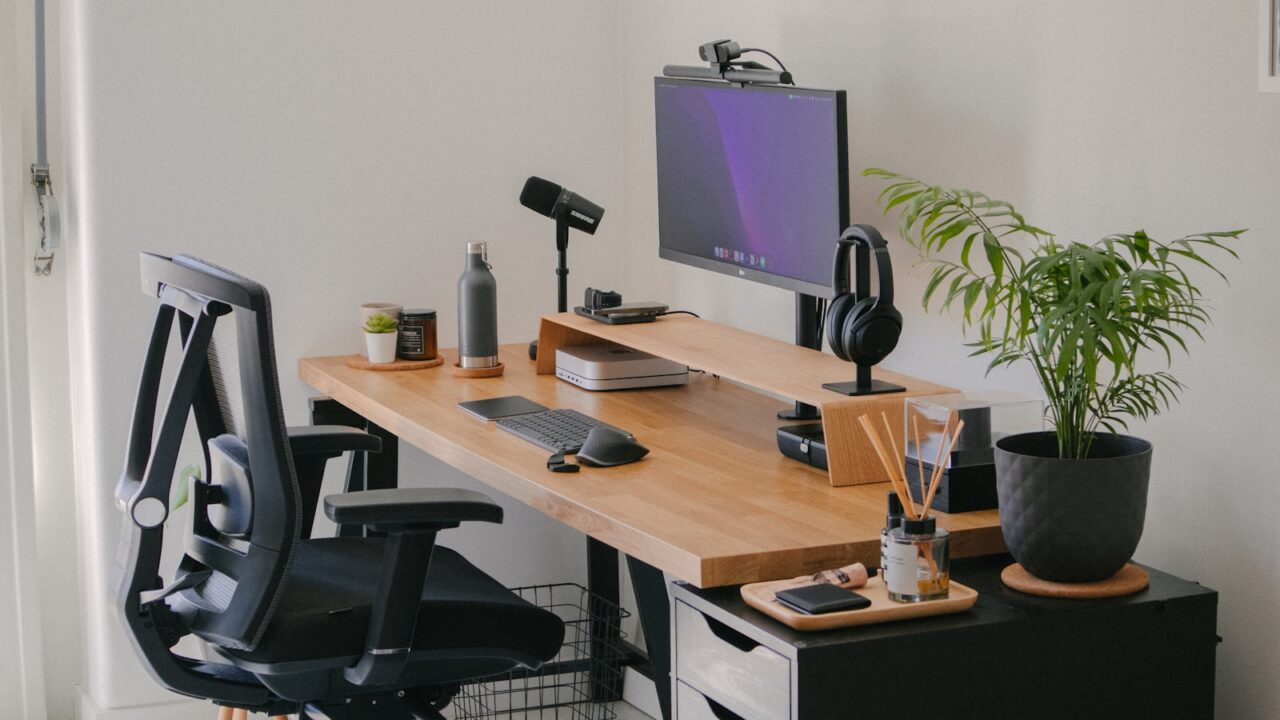
A desk setup checklist keeps your workspace build practical. Instead of buying every accessory you see, use the checklist to separate essentials from optional upgrades and build a setup that supports real work before it tries to look finished.
Quick Answer
Buy in this order: desk and chair, monitor height solution, keyboard and mouse, lighting, cable management, storage, then visual accessories. Skip duplicate organizers, oversized speakers, and decorative items until the daily workflow is clear.
Key Takeaways
- The first purchases should improve posture, visibility, reach, or cable safety.
- A simple checklist prevents buying accessories that do not match your desk size.
- Lighting and cable management often make a budget setup feel more premium.
- Review the checklist after one week of use before buying more.
Table of contents: What to Prioritize · Setup Checklist · Comparison Table · Common Mistakes · Frequently Asked Questions
What to Prioritize
Treat comfort as the foundation. A desk that is too high, a chair that does not support you, or a monitor that sits too low will make every accessory feel less useful.
Use the first week to watch where clutter forms. The best organizer is the one that solves a repeated behavior, not the one that looks best in a photo.
Keep the work zone simple. You need space for input devices, notes, a drink, and one temporary item without rearranging the entire desk.
Setup Checklist
- Stable desk surface with enough width and depth for your screen plan.
- Chair adjusted so feet, knees, hips, shoulders, and wrists feel neutral.
- Monitor stand or arm if the screen is below eye level.
- Task lamp for evening work or rooms with uneven lighting.
- Cable tray, clips, and reusable ties before adding more devices.
Comparison Table
| Item | Best use | What to check |
|---|---|---|
| Buy first | Desk, chair, monitor height, keyboard, mouse | Direct comfort and daily usability |
| Buy second | Lamp, cable tray, small storage | Improves consistency and cleanliness |
| Buy later | Decor, speakers, premium mats | Nice once the core setup works |
Common Mistakes
- Buying three organizers before knowing what actually stays on the desk.
- Spending the full budget on a desk mat, speakers, and lights while using a poor chair.
- Choosing accessories in different colors and materials before defining a simple palette.
Helpful References
For broader workstation context, compare your setup against OSHA Computer Workstations eTool and CDC/NIOSH ergonomics overview. You can also review our affiliate disclosure and editorial policy.
Frequently Asked Questions
What is the most important item in a desk setup checklist?
The chair and desk height are usually the most important because they affect every hour you spend working. Monitor height and lighting are close behind.
What desk accessories should beginners skip?
Skip duplicate trays, oversized decor, expensive lights, and products that only solve a visual problem. Buy them later if the workflow still needs them.
How often should I update my desk setup?
Review the setup after one week, one month, and any time your work equipment changes. Small adjustments are better than rebuilding the setup constantly.
Final Recommendation
Use this guide as a practical starting point, then adjust the details to your room, body, equipment, and daily workflow. The best desk setup is the one that stays comfortable and easy to reset after repeated use.