

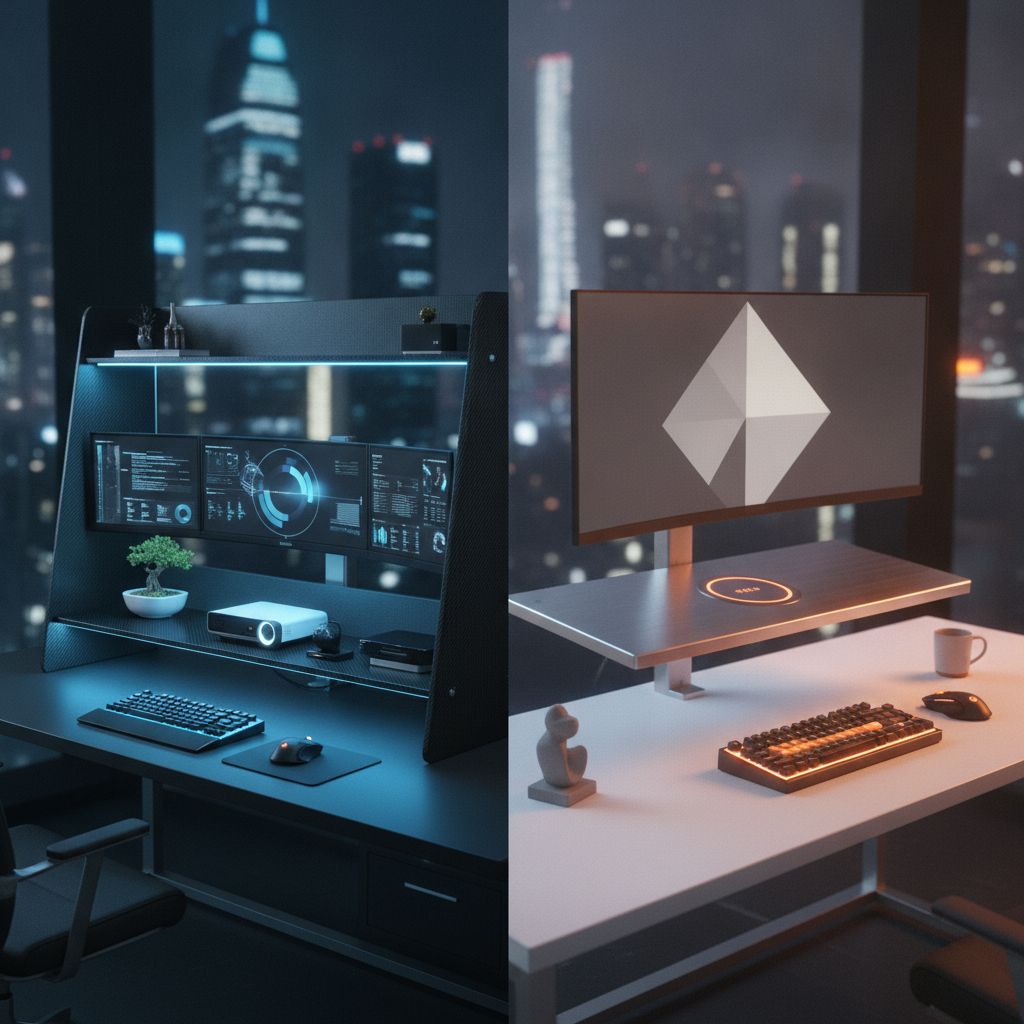
Choosing between a desk shelf and a monitor riser can feel confusing. Both products lift your screen. Both claim to improve posture. But they serve different needs. A desk shelf gives you wide storage and a furniture-like look. A monitor riser offers a simple, low-cost lift for one or two displays. This guide breaks down every key difference. You will know exactly which option fits your workspace, your budget, and your body by the end.
Quick Verdict: Desk Shelf vs Monitor Riser at a Glance
Short on time? Here is the fast answer. Pick a desk shelf if you need storage and a clean look. Pick a monitor riser if you just want to raise your screen quickly and cheaply.
Comparison Summary Table
| Feature | Desk Shelf | Monitor Riser |
|---|---|---|
| Typical Width | 24–60 inches | 14–43 inches |
| Height Added | 3.5–6 inches | 3–6 inches |
| Weight Capacity | 25–75 lb | 20–50 lb |
| Price Range | $40–$600 | $15–$150 |
| Storage Space | High (keyboard, accessories) | Low to moderate |
| Best For | Full desk organization | Quick monitor lift |
| Setup Time | 10–30 minutes | Under 5 minutes |
| Portability | Low (heavy, wide) | High (light, compact) |
Who Should Choose Which
Choose a desk shelf if you want a tidy workspace with room for your keyboard, notebooks, and small gear underneath. It works best on larger desks where a wide footprint feels natural. Choose a monitor riser if your main goal is raising your screen to eye level. It suits small desks, tight budgets, and users who move often. The desk shelf vs monitor riser decision comes down to storage needs versus simple height adjustment.
What Is a Desk Shelf? Definition, Features & Benefits
A desk shelf is a wide platform that sits on top of your desk. It holds your monitor and creates open space below for keyboards, papers, and accessories. Think of it as a mini furniture piece for your workstation.
How a Desk Shelf Works
A desk shelf rests on four legs or a solid frame. Most models span 24 to 60 inches across your desk. You place your monitor on top. Your keyboard, mouse, and small items slide underneath. Some desk shelves clamp to the back edge of the desk. This frees up even more surface area. Brands like Grovemade, Oakywood, and UPLIFT Desk make popular wood and metal models.
Key Features of Desk Shelves
- Wide surface area, often 24 inches or more
- Open storage underneath for keyboards and gear
- Materials like solid wood, bamboo, or metal
- Some models include drawers or cable holes
- Weight capacity from 25 lb up to 220 lb on premium units
- Furniture-grade finish for a clean desk look
Pros and Cons of Desk Shelves
- Pros: Large storage area, stable base, premium look, fits multiple monitors, hides clutter
- Cons: Higher price ($100–$600), heavier, takes up more desk depth, harder to move
What Is a Monitor Riser? Definition, Features & Benefits
A monitor riser is a compact stand that lifts your display by 3 to 6 inches. It focuses on one job: getting your screen to a better eye level. Most risers are small enough to fit on any desk.
How a Monitor Riser Works
A monitor riser is a flat platform on legs or a solid block. You place your monitor on top. The added height brings the screen closer to eye level. This reduces neck strain. Many risers use metal, plastic, bamboo, or tempered glass. Popular brands include HUANUO, VIVO, Mount-It!, and Rain Design. Some models offer adjustable height or built-in USB hubs.
Key Features of Monitor Risers
- Compact size, usually 14–24 inches wide
- Lightweight, often under 5 lb
- Low price point, many under $30
- Some models include drawers or cable slots
- Quick setup with no tools needed
- Easy to move between desks
Pros and Cons of Monitor Risers
- Pros: Cheap, light, portable, fast setup, fits small desks, good for single or dual monitors
- Cons: Limited storage, lower weight capacity, less stable with heavy loads, basic look
Desk Shelf vs Monitor Riser: Head-to-Head Comparison
Let us compare these two options across the factors that matter most for your daily work.
Ergonomics & Eye-Level Positioning
Both products aim to raise your screen. A 2024 visual ergonomics study found the top line of display content should sit about 3 inches below eye level. Yet 23% of real-world setups placed monitors too high. A monitor riser adds 3–6 inches, which is enough for most users with low monitor stands. A desk shelf adds similar height but with a wider base. For pure ergonomic correction, a monitor riser wins on value. For users with tall monitor stands, an adjustable riser gives more control.
Desk Space & Storage Capacity
This is where the desk shelf shines. A 36-inch desk shelf creates a full keyboard tray below. You gain 8–10 inches of usable depth. A monitor riser offers only a small gap, enough for a slim keyboard at best. If desk space is tight, a desk shelf reclaims more surface area. For users with just a laptop and mouse, a riser is enough.
Stability & Weight Capacity
Desk shelves hold more weight. UPLIFT Desk rates its 27-inch shelf at 50 lb. Oakywood lists 220 lb on its premium model. Most monitor risers top out at 44 lb, like the HUANUO metal riser. For heavy ultra-wide monitors or dual 32-inch displays, a desk shelf gives a safer base. For a single 27-inch screen, both options work well.
Cable Management Solutions
Desk shelves often include cable holes, rear channels, or open backs for routing. Premium models from Grovemade and Oakywood hide cables well. Monitor risers rarely include cable management. Some have small slots, but most leave cables exposed. If clean cables matter, a desk shelf is the better pick.
Price & Overall Value
Monitor risers cost $15–$150. The HUANUO riser sits at $15.99 with over 15,000 reviews and a 4.8-star rating. Desk shelves start around $40 but most good models fall between $100 and $300. Premium wood shelves from Grovemade can reach $590. For budget buyers, the desk shelf vs monitor riser choice is clear: a riser gives the most value per dollar.
Aesthetics & Desk Appearance
Desk shelves look like furniture. Wood finishes, clean lines, and matching accessories create a polished setup. Monitor risers look functional. Metal and plastic models work well in minimal or tech-heavy spaces. If your desk is a showcase, a desk shelf adds more style.
Portability & Setup Flexibility
Monitor risers win here. Most weigh under 5 lb. You can move one in seconds. Desk shelves weigh 10–30 lb and need careful placement. For renters, students, or hot-desk users, a riser offers more flexibility.
Best Use Cases: Desk Shelf vs Monitor Riser by Setup Type
Different workspaces call for different tools. Here is which option fits each common setup.
Best for Small Desks & Compact Workspaces
A monitor riser is the better fit for small desks. Its compact footprint leaves room for other gear. A desk shelf can work on a small desk only if you choose a clamp-on model. The VIVO 26-inch clamp shelf frees up the full desk surface below.
Best for Dual Monitor Setups
Both options handle dual monitors. A wide desk shelf (36+ inches) gives a stable, unified base. A dual-monitor riser like the VIVO 42-inch model works too. For dual 27-inch or larger screens, a desk shelf offers better weight support and less wobble.
Best for Standing Desk Users
A monitor riser pairs well with standing desks. It is light enough to move as you adjust height. A desk shelf can work too, but its weight makes height changes harder. For users who switch between sitting and standing often, a riser is the smarter pick.
Best for Renters & No-Drill Environments
Both products need no drilling. A monitor riser is ideal for renters because it leaves no mark and moves easily. A clamp-on desk shelf also works without damage. Avoid any model that requires screws into your desk.
Best for Ultra-Wide & Large Monitors
Ultra-wide monitors (34 inches and up) need a wide, stable base. A desk shelf handles these best. The Oakywood shelf supports up to 220 lb. Most monitor risers top out at 50 lb, which may feel shaky with a 40-inch curved display. For large screens, pick a desk shelf.
Desk Shelf vs Monitor Riser vs Monitor Arm: When to Choose Each
Sometimes neither a desk shelf nor a monitor riser is the right answer. A monitor arm may be a better fit.
Limitations of Desk Shelves & Risers
Both desk shelves and risers sit on your desk. They take up surface area. They offer fixed height. You cannot adjust the screen angle, tilt, or rotation with ease. If you share a desk or change posture often, fixed height becomes a problem.
When a Monitor Arm Makes More Sense
A monitor arm clamps to your desk edge and holds the screen in mid-air. It offers full height, tilt, swivel, and rotation control. It frees up 100% of the desk surface below. Pick a monitor arm if you need flexible positioning, have a very small desk, or use multiple screens at different heights. Arms cost $40–$200 for good models from VIVO, HUANUO, and ErGear.
Cost Comparison: Riser vs Arm vs Shelf
| Option | Typical Price | Best For |
|---|---|---|
| Monitor Riser | $15–$150 | Quick, cheap height boost |
| Desk Shelf | $40–$600 | Storage plus screen lift |
| Monitor Arm | $40–$200 | Full adjustability, max desk space |
How to Choose Between a Desk Shelf and Monitor Riser
Use these steps to make a clear choice.
Key Decision Factors to Consider
- Desk size: small desks favor risers, large desks favor shelves
- Monitor count: one screen suits a riser, two or more suit a shelf
- Budget: under $50 points to a riser, over $100 opens shelf options
- Storage need: keyboard and gear storage points to a shelf
- Move frequency: frequent moves favor a riser
Measuring Your Desk & Monitor Setup
Measure your desk width and depth first. Then measure your monitor stand height. Sit in your chair and note your eye level. The top of your screen should sit 0–3 inches below your eye line. If your current monitor is too low, a riser or shelf adds the needed height. If your desk is under 48 inches wide, a compact riser fits better.
Matching Your Needs to the Right Option
Write down your top three needs. If storage and style rank highest, choose a desk shelf. If price and portability matter most, choose a monitor riser. If full adjustability is your goal, look at a monitor arm instead. The desk shelf vs monitor riser choice becomes simple once your needs are clear.
FAQ: Common Questions About Desk Shelves vs Monitor Risers
Can I Use a Desk Shelf for a Dual Monitor Setup?
Yes. A desk shelf 36 inches or wider holds two 27-inch monitors with room to spare. Make sure the total weight stays under the shelf rating. Most wood shelves handle 50–100 lb, which covers dual monitors with ease.
How Much Height Does a Monitor Riser Add?
Most monitor risers add 3 to 6 inches. Adjustable models can reach up to 7 inches. This is enough to bring a low monitor stand to proper eye level for most users.
Are Desk Shelves Better for Cable Management?
Yes. Desk shelves often include cable holes, rear channels, or open backs. Monitor risers rarely offer built-in cable routing. For a clean cable setup, a desk shelf gives more options.
Can I Use a Monitor Riser on a Standing Desk?
Yes. A monitor riser works well on a standing desk. Just make sure the added height does not push your screen above eye level when you stand. Adjustable risers give the most flexibility for sit-stand users.
What Is the Weight Capacity of Most Desk Shelves?
Most desk shelves hold 25–75 lb. Premium models like Oakywood support up to 220 lb. Always check the maker’s rating before placing heavy monitors or gear on top.
Final Verdict: Desk Shelf or Monitor Riser — Which Should You Buy?
Both products solve real problems. The right choice depends on your space, your gear, and your goals.
Choose a Desk Shelf If…
You want a clean, furniture-grade look. You need storage for your keyboard, notebooks, or accessories. You use dual monitors or an ultra-wide display. You have a large desk and a budget over $100. A desk shelf turns a messy desk into an organized workstation. Browse top-rated desk shelves on Amazon.
Choose a Monitor Riser If…
You want a fast, cheap fix for screen height. You have a small desk or move often. You use one or two standard monitors. Your budget is under $50. A monitor riser gives the biggest ergonomic boost per dollar. Browse top-rated monitor risers on Amazon.
No matter which you pick, measure first. Set your screen at the right height. Your neck and eyes will thank you.