
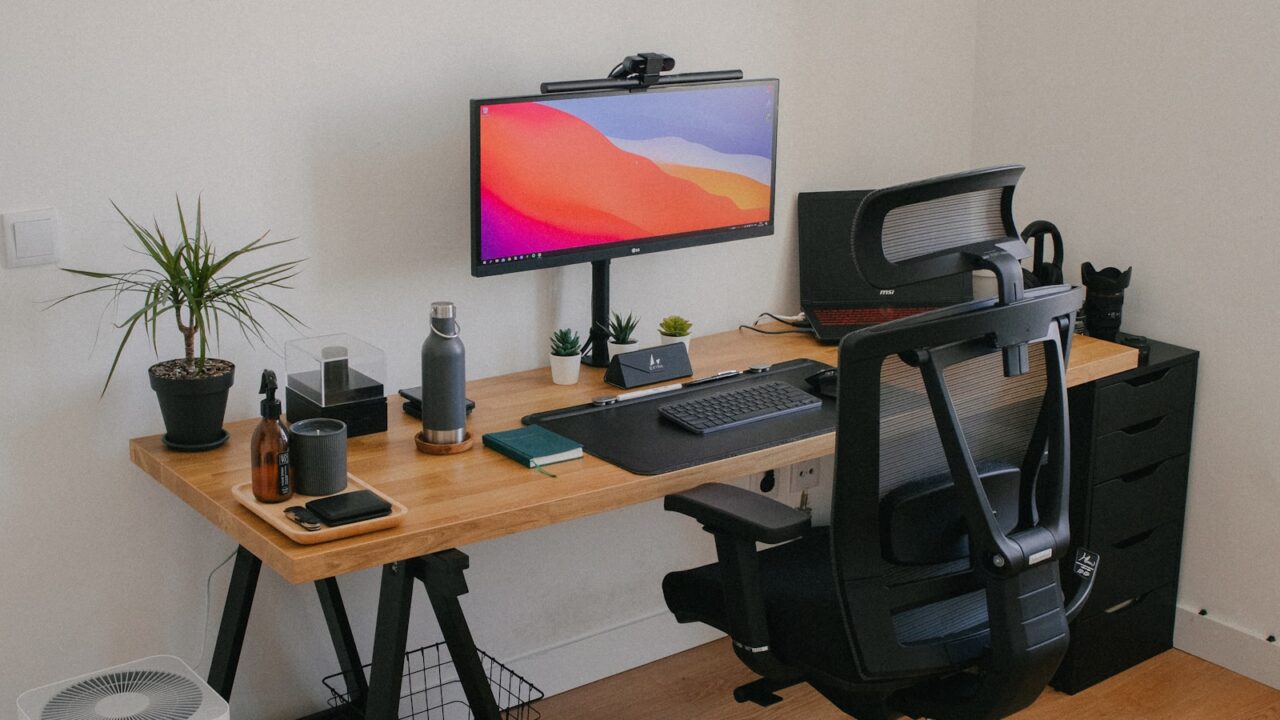
An ergonomic desk setup guide is useful because small adjustments compound over long workdays. Screen height, chair position, keyboard reach, and mouse placement all influence whether you feel relaxed or tense after several hours.
Quick Answer
Set the chair so your feet rest flat, place the keyboard and mouse close enough for relaxed elbows, and position the monitor so the top of the screen is near eye level. Adjust in small steps and retest after a full work session.
Key Takeaways
- Neutral posture is the target; perfect posture is not a fixed pose.
- Monitor height, keyboard reach, and chair height should be adjusted together.
- The best setup allows posture changes during the day.
- Small discomfort is feedback that something needs adjustment.
Table of contents: What to Prioritize · Setup Checklist · Comparison Table · Common Mistakes · Frequently Asked Questions
What to Prioritize
Begin with the chair. Your feet should feel supported, your lower back should contact the chair, and your shoulders should not rise toward your ears.
Move the keyboard and mouse close enough that your elbows stay near your body. Reaching forward all day can create shoulder tension.
Set monitor distance so text is readable without leaning. Many users prefer roughly an arm length, then adjust based on screen size and vision.
Setup Checklist
- Feet supported on the floor or a footrest.
- Elbows relaxed near a 90-degree bend.
- Wrists close to neutral while typing and mousing.
- Monitor top near eye level or slightly below.
- Frequently used tools within easy reach.
Comparison Table
| Item | Best use | What to check |
|---|---|---|
| Adjustment | Target | Signal to fix |
| Chair height | Feet supported, hips comfortable | Dangling feet or raised shoulders |
| Keyboard reach | Elbows relaxed | Leaning forward |
| Monitor height | Top near eye level | Neck bending up or down |
Common Mistakes
- Raising the monitor while leaving the keyboard too far away.
- Using armrests that push the shoulders upward.
- Assuming one posture should be held all day instead of changing positions.
Helpful References
For broader workstation context, compare your setup against OSHA Computer Workstations eTool and CDC/NIOSH ergonomics overview. You can also review our affiliate disclosure and editorial policy.
Frequently Asked Questions
What is the most ergonomic desk setup?
The most ergonomic desk setup keeps your feet supported, elbows relaxed, wrists near neutral, and screen close to eye level while allowing regular posture changes.
How high should my monitor be?
A common starting point is to place the top of the screen at or slightly below eye level, then adjust for screen size, glasses, and viewing comfort.
Should my keyboard be flat or tilted?
A flatter keyboard often keeps wrists closer to neutral. If the keyboard is tall, reduce the tilt or use a lower typing surface.
Final Recommendation
Use this guide as a practical starting point, then adjust the details to your room, body, equipment, and daily workflow. The best desk setup is the one that stays comfortable and easy to reset after repeated use.