
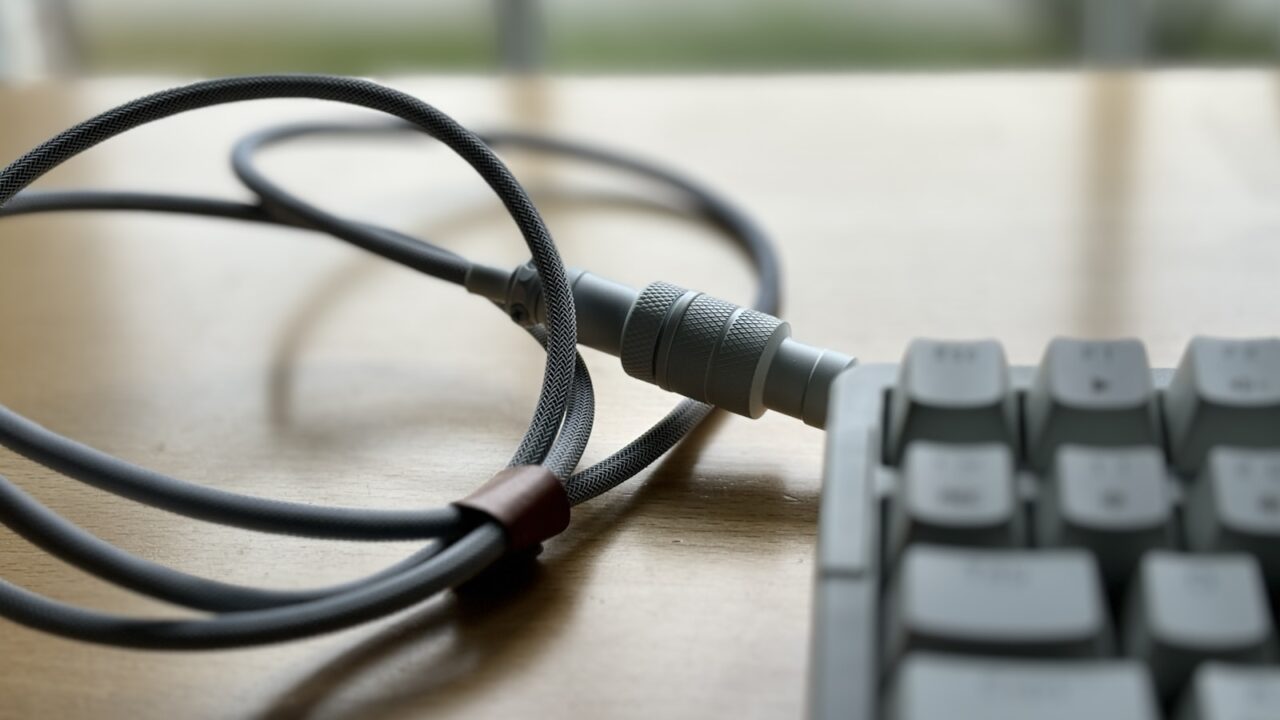
Learning how to hide cables on a standing desk is different from cable managing a fixed desk. Every cable has to move with the desktop, so tight routing that looks clean at sitting height can become a problem when the desk rises.
Quick Answer
Use an under-desk tray for the power strip, route device cables into the tray, create one flexible cable loop to the wall, and test the full height range before securing clips or sleeves.
Key Takeaways
- Standing desks need movement slack, not perfectly tight cables.
- One controlled cable loop looks cleaner than several loose drops.
- Monitor arms, lamps, and docks should route into the tray before the floor connection.
- Test the highest and lowest positions before finishing.
Table of contents: What to Prioritize · Setup Checklist · Comparison Table · Common Mistakes · Frequently Asked Questions
What to Prioritize
Move the power strip with the desktop. This lets monitor, lamp, laptop, and charger cables stay short while only one main power cable travels downward.
Create a clean drop zone. Use a cable chain, spine, or sleeve to guide the moving cable path between the desktop and wall outlet.
Check every height preset. A setup that works at sitting height can pull tight at standing height or bunch near the floor at the lowest setting.
Setup Checklist
- Power strip mounted under the moving desktop.
- Single main cable loop or cable chain to the outlet.
- Monitor and dock cables routed into the tray.
- No cable tension at maximum standing height.
- No cable dragging under the feet at sitting height.
Comparison Table
| Item | Best use | What to check |
|---|---|---|
| Cable zone | Best solution | Check |
| Desktop devices | Route into tray | Short clean runs |
| Desk to outlet | Cable spine or loop | Moves freely |
| Monitor arm | Arm clips plus slack | No port tension |
Common Mistakes
- Mounting the power strip to the wall instead of the moving desktop.
- Tightening monitor cables before raising the desk.
- Letting the main cable loop swing into the chair or feet.
Helpful References
For broader workstation context, compare your setup against OSHA Computer Workstations eTool and CDC/NIOSH ergonomics overview. You can also review our affiliate disclosure and editorial policy.
Frequently Asked Questions
How do I hide cables on a standing desk safely?
Mount the power strip under the moving desktop, route device cables into it, then use one flexible cable path to the outlet with enough slack for the full height range.
Do standing desks need a cable spine?
A cable spine is not required, but it makes the moving cable path cleaner and easier to control.
Should cables be tight under a standing desk?
No. Standing desk cables need controlled slack so they do not pull on ports when the desk rises.
Final Recommendation
Use this guide as a practical starting point, then adjust the details to your room, body, equipment, and daily workflow. The best desk setup is the one that stays comfortable and easy to reset after repeated use.