
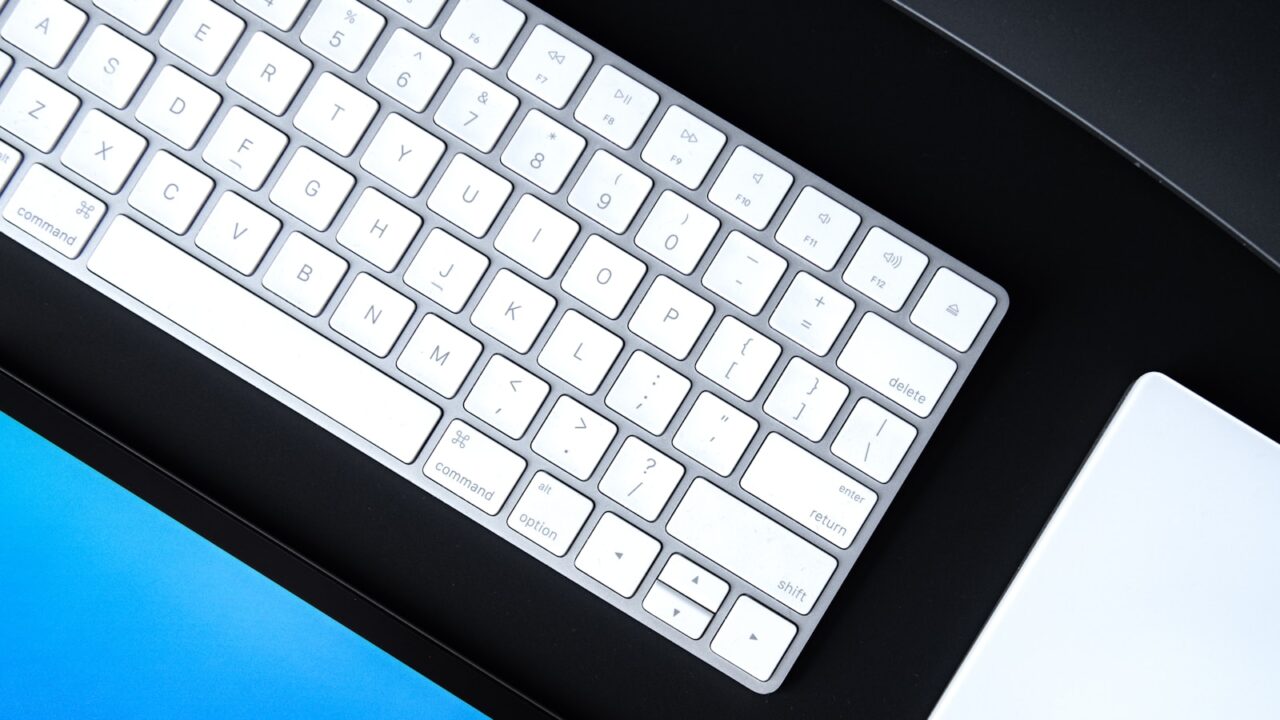
A good home office starts with a few essentials that improve comfort every day: a stable surface, an adjustable chair, a clear monitor position, reliable lighting, and simple cable control. This home office desk setup essentials guide helps you decide what to buy first instead of spending money on accessories that look good but do little for focus.
Quick Answer
Start with the desk, chair, monitor position, keyboard and mouse, task lighting, and cable management. Add decorative or convenience accessories only after the core work zone is stable, comfortable, and easy to maintain.
Key Takeaways
- Prioritize comfort and reach before aesthetics.
- A 27-inch monitor, an adjustable chair, and a stable desk usually matter more than small accessories.
- Cable trays and desk lamps are inexpensive upgrades that make the workspace feel more finished.
- Leave at least 24 inches of desk depth if you use a full-size monitor and keyboard.
Table of contents: What to Prioritize · Setup Checklist · Comparison Table · Common Mistakes · Frequently Asked Questions
What to Prioritize
Choose a desk that is deep enough for your monitor, keyboard, mouse, notebook, and a small task zone without pushing your arms forward.
Pick a chair that lets your feet rest flat, your knees stay close to a 90-degree angle, and your lower back remain supported during long sessions.
Place the monitor directly in front of you with the top of the screen around eye level, then put the keyboard and mouse close enough that your elbows can stay relaxed.
Setup Checklist
- Desk depth of 24 to 30 inches for most single-monitor workstations.
- Chair with adjustable height, lumbar support, and armrests that do not force your shoulders upward.
- Task light positioned to reduce glare on the screen.
- Cable tray or sleeve under the desk before the number of cables grows.
- A small empty zone for writing, charging, or setting down a notebook.
Comparison Table
| Item | Best use | What to check |
|---|---|---|
| Desk | Foundation | Stable frame, 24+ inches deep, enough width for your monitor plan |
| Chair | Comfort | Height adjustment, lumbar support, breathable seat |
| Lighting | Eye comfort | Adjustable task light, low glare, neutral color temperature |
| Cable tray | Clean layout | Fits power strip and keeps slack off the floor |
Common Mistakes
- Buying decorative gear before the chair, monitor height, and lighting are solved.
- Choosing a desk that is too shallow for a monitor arm or laptop stand.
- Letting power bricks hang from the desktop instead of routing them under the surface.
Helpful References
For broader workstation context, compare your setup against OSHA Computer Workstations eTool and CDC/NIOSH ergonomics overview. You can also review our affiliate disclosure and editorial policy.
Frequently Asked Questions
What should I buy first for a home office desk setup?
Buy the desk, chair, and monitor setup first because they shape posture and daily comfort. Lighting and cable management should come next, then smaller accessories such as trays, plants, speakers, or desk mats.
How much should a beginner spend on a desk setup?
A functional starter setup can be built gradually. Spend most of the first budget on the desk surface, chair, and monitor position, then add accessories over time as you learn what slows down your workflow.
Are desk accessories worth buying early?
Only a few are worth buying early: a desk lamp, cable tray, mouse pad, and laptop stand if you use a laptop. Decorative items can wait until the workspace already works well.
Final Recommendation
Use this guide as a practical starting point, then adjust the details to your room, body, equipment, and daily workflow. The best desk setup is the one that stays comfortable and easy to reset after repeated use.