
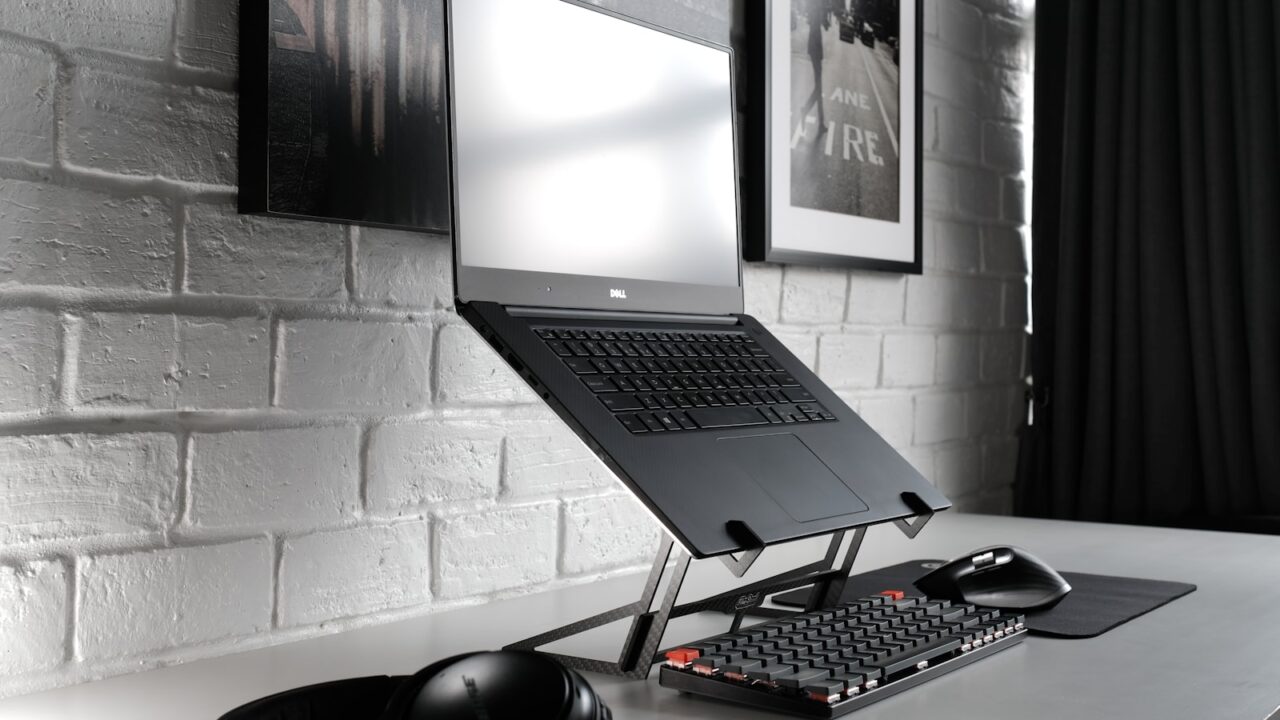
A good laptop stand should raise the screen closer to eye level, hold the laptop steadily, allow airflow, and leave enough desk space for an external keyboard and mouse.
Key Takeaways
- Screen height is the main reason to buy a laptop stand.
- A stand works best with an external keyboard and mouse.
- Portability matters only if you move the stand often.
- Airflow and stability are more important than visual style.
Table of contents: What to Check · Comparison Table · FAQ
What to Check
Review the height range
A laptop stand that only raises the screen a few inches may not solve neck angle. Adjustable stands are more flexible, especially when different people use the same desk.
For long typing sessions, do not type on the raised laptop keyboard. Use an external keyboard and mouse so the screen can rise without lifting your hands too high.
Review stability and airflow
A stand should feel stable when you tap the trackpad or adjust the screen. Wobble becomes annoying on video calls and while typing short replies.
Open designs can help with airflow around the laptop base. This is useful for laptops that get warm during video calls, external monitor use, or long browser sessions.
Comparison Table
| Feature | Why it matters | Good sign |
|---|---|---|
| Height adjustment | Improves screen position | Multiple levels or continuous adjustment |
| Stability | Reduces wobble | Wide base and firm hinge |
| Airflow | Helps heat escape | Open aluminum or vented design |
| Footprint | Protects desk space | Room for keyboard below or in front |
Helpful References
For general workstation context, compare your setup against OSHA Computer Workstations eTool and CDC/NIOSH ergonomics guidance. You can also review our editorial policy.
Frequently Asked Questions
Are laptop stands good for posture?
Laptop stands can help posture by raising the screen, but they work best with an external keyboard and mouse.
Should I buy a portable or fixed laptop stand?
Choose portable if you move rooms often. Choose a fixed stand if the laptop stays on one desk and stability matters more.
Do laptop stands help cooling?
Some stands improve airflow around the laptop base, especially open or vented designs. Cooling gains depend on the laptop and workload.
Bottom Line
Use this guide as a practical baseline, then adjust the layout to your room, body, workflow, and equipment. A good desk setup should be easy to work at and easy to reset.