
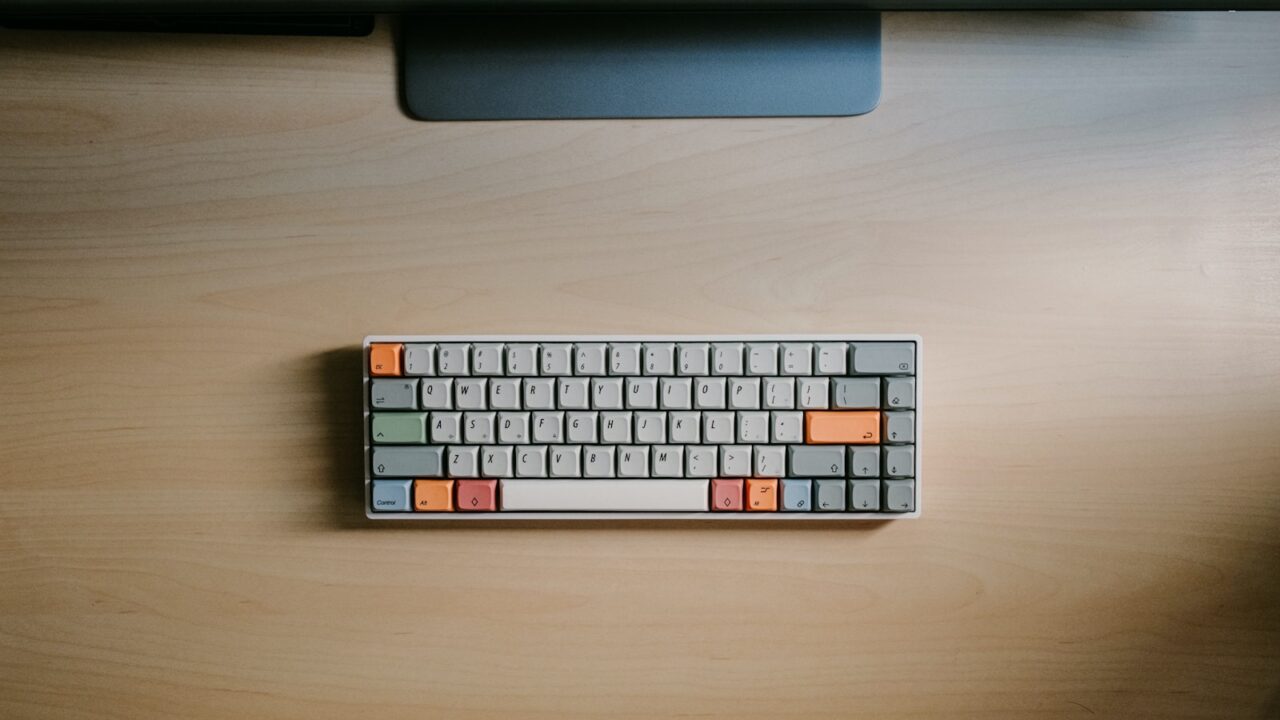
Low profile vs mechanical keyboard choices come down to typing feel, wrist angle, and noise. A standard mechanical keyboard can feel satisfying, while a low-profile keyboard can make the desk feel flatter and easier on the wrists for some users.
Quick Answer
Choose low profile if you want a flatter typing angle, thinner board, and easier portability. Choose a standard mechanical keyboard if you want deeper key travel, more switch options, and a more customizable typing feel.
Key Takeaways
- Low-profile keyboards can reduce front height and wrist extension.
- Standard mechanical keyboards offer more switch and keycap variety.
- Noise depends on switch type, case design, and desk surface.
- Layout matters as much as key height.
Table of contents: What to Prioritize · Setup Checklist · Comparison Table · Common Mistakes · Frequently Asked Questions
What to Prioritize
Start with wrist angle. If your keyboard feels tall, a low-profile model or lower desk height may feel better than adding a wrist rest.
Consider typing feedback. Some people type more accurately with longer travel, while others prefer short laptop-like movement.
Choose the layout based on mouse space. Compact layouts bring the mouse closer and may reduce reach.
Setup Checklist
- Front height and tilt feel comfortable.
- Switch type is acceptable for your sound environment.
- Layout includes keys needed for shortcuts and spreadsheets.
- Wireless or wired mode matches your desk setup.
- Keycap legends remain visible in your lighting.
Comparison Table
| Item | Best use | What to check |
|---|---|---|
| Keyboard type | Best for | Tradeoff |
| Low profile | Flat wrist angle and portability | Less key travel |
| Standard mechanical | Custom feel and deeper travel | Taller front edge |
| Laptop-style | Quiet basic office work | Less customization |
Common Mistakes
- Assuming mechanical always means better for work.
- Buying low-profile only for looks while needing a number pad daily.
- Ignoring sound from the desk surface and keycap material.
Helpful References
For broader workstation context, compare your setup against OSHA Computer Workstations eTool and CDC/NIOSH ergonomics overview. You can also review our affiliate disclosure and editorial policy.
Frequently Asked Questions
Is a low-profile keyboard better for wrists?
A low-profile keyboard can help if a tall keyboard forces your wrists upward. Comfort still depends on desk height, layout, and how close the keyboard sits.
Is mechanical better for office work?
Mechanical can be excellent for office work when the switch, layout, and sound level match the environment. It is not automatically better for everyone.
What keyboard layout is best for mouse comfort?
Tenkeyless and 75 percent layouts often improve mouse comfort because they let the mouse sit closer to the keyboard.
Final Recommendation
Use this guide as a practical starting point, then adjust the details to your room, body, equipment, and daily workflow. The best desk setup is the one that stays comfortable and easy to reset after repeated use.