
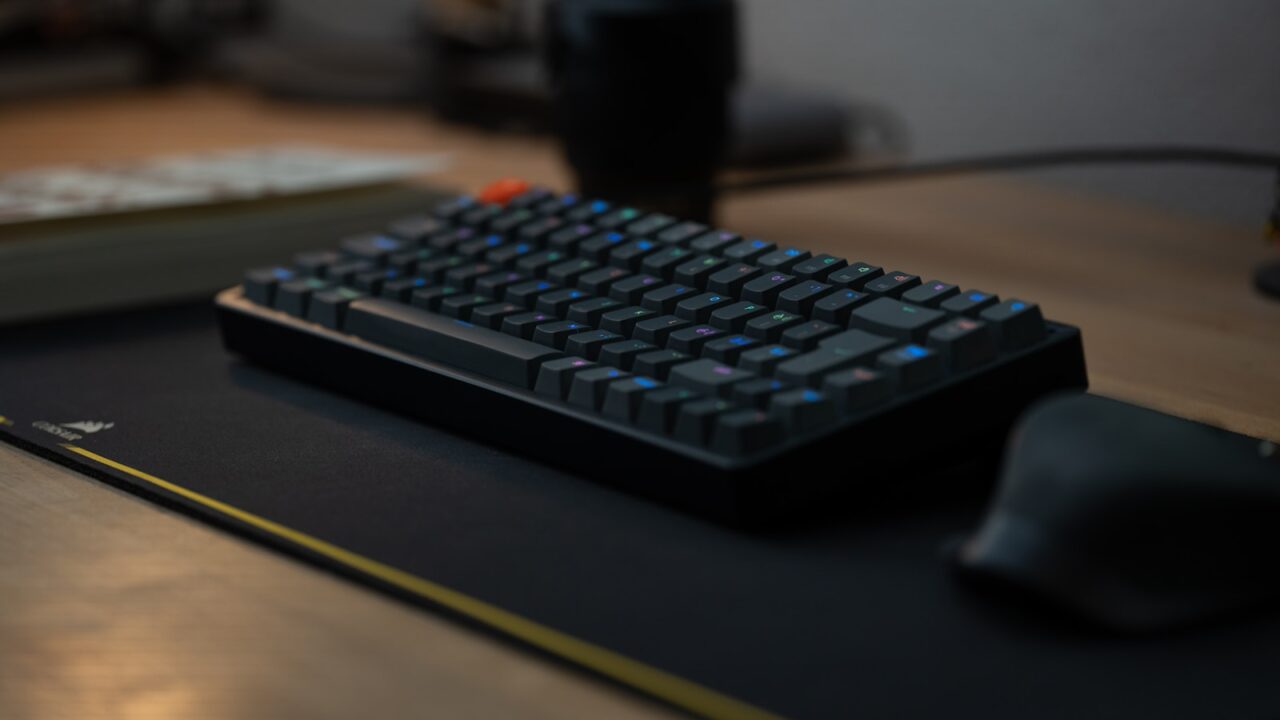
A mechanical keyboard can feel excellent for office work, but the wrong layout or switch can become distracting fast. This mechanical keyboard review for office work focuses on typing comfort, noise, desk fit, and reliability rather than gaming features.
Quick Answer
For office work, prioritize a comfortable layout, quiet switches, a sensible typing angle, stable wireless or wired connection, and keycaps that remain readable. Switch noise and wrist height matter more than RGB lighting.
Key Takeaways
- Linear and tactile switches can both work, but loud clicky switches are risky in shared spaces.
- A 75 percent or tenkeyless layout saves desk space while keeping important keys.
- Low front height and optional tilt help reduce wrist extension.
- Wireless is convenient only if battery life and connection stability are reliable.
Table of contents: What to Prioritize · Setup Checklist · Comparison Table · Common Mistakes · Frequently Asked Questions
What to Prioritize
Review the layout first. A compact board gives the mouse more room, but losing arrow keys, function keys, or a number pad may slow certain workflows.
Switch feel should match your environment. Quiet tactile switches are often a safer office choice than loud clicky switches.
Look at the total typing height, not only switch type. A tall keyboard may need a wrist rest or a lower desk position.
Setup Checklist
- Layout includes the keys you use daily.
- Switch sound is acceptable for calls or shared rooms.
- Keyboard height does not force your wrists upward.
- Connection method matches your device setup.
- Keycaps are readable in your lighting conditions.
Comparison Table
| Item | Best use | What to check |
|---|---|---|
| Layout | Best for | Tradeoff |
| Full-size | Numbers and spreadsheets | More mouse reach |
| Tenkeyless | Balanced office use | No number pad |
| 75 percent | Small desks | Tighter key spacing |
Common Mistakes
- Choosing a keyboard by sound tests without considering room noise.
- Buying a compact layout that removes keys used in spreadsheets or editing.
- Ignoring wrist angle after adding a thick desk mat or wrist rest.
Helpful References
For broader workstation context, compare your setup against OSHA Computer Workstations eTool and CDC/NIOSH ergonomics overview. You can also review our affiliate disclosure and editorial policy.
Frequently Asked Questions
Are mechanical keyboards good for office work?
Yes, if the keyboard is comfortable, reliable, and not too loud for your space. The best office models focus on typing feel and ergonomics instead of visual effects.
What keyboard size is best for office work?
Tenkeyless and 75 percent layouts work well for many home offices because they save mouse space while keeping arrow and navigation keys.
Are clicky switches bad for work?
Clicky switches are not bad, but they can be distracting during calls or in shared spaces. Quiet tactile or linear switches are safer for most office setups.
Final Recommendation
Use this guide as a practical starting point, then adjust the details to your room, body, equipment, and daily workflow. The best desk setup is the one that stays comfortable and easy to reset after repeated use.