
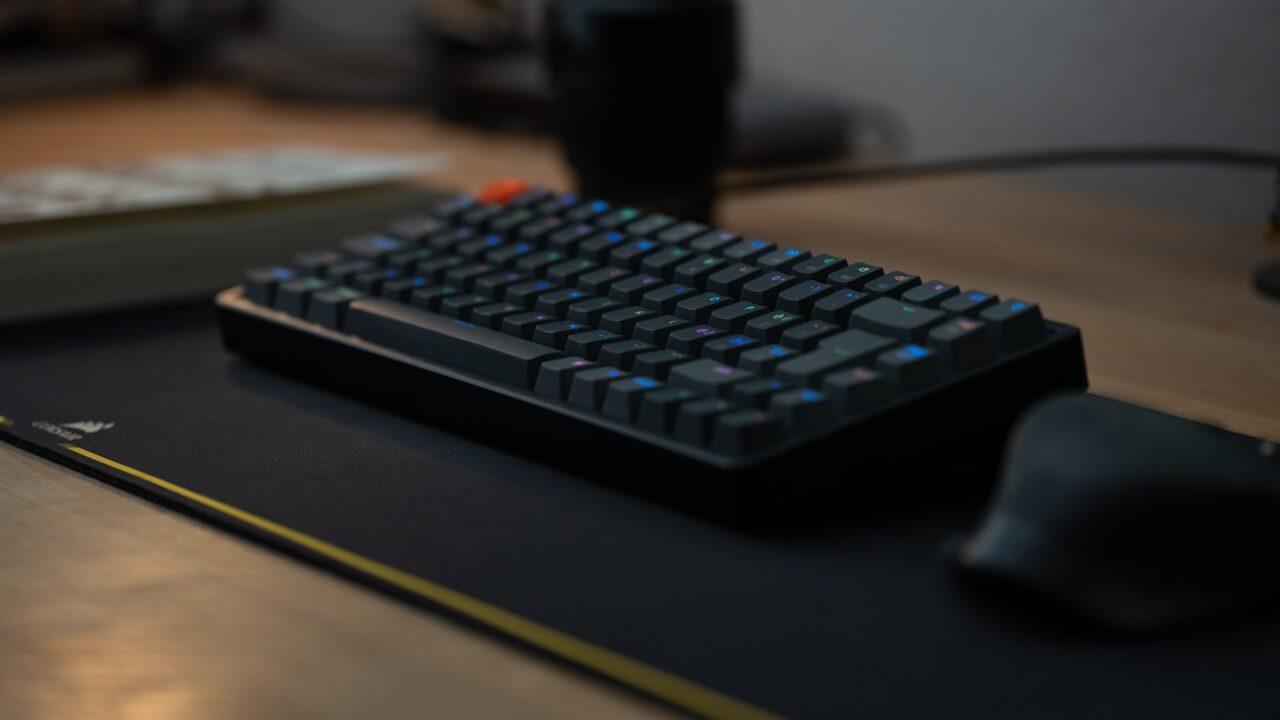
A quiet keyboard for a home office should use low-noise switches, a stable case, comfortable key spacing, and a layout that keeps the mouse close without removing keys you need.
Key Takeaways
- Switch type is only one part of keyboard sound.
- Case materials, keycaps, and desk surface affect noise.
- Compact layouts can improve mouse reach.
- Quiet should not mean mushy or uncomfortable.
Table of contents: What to Check · Comparison Table · FAQ
What to Check
Understand keyboard sound
A keyboard can be loud because of clicky switches, hollow case resonance, thin keycaps, or typing force. Look for reviews that include real typing sound, not just switch names.
Soft desk mats can reduce some desk impact noise, but they cannot fully silence a loud switch or rattly stabilizer.
Choose a layout for work
If you do not use the number pad often, tenkeyless or 75 percent layouts can bring the mouse closer and reduce shoulder reach.
If spreadsheets are a core part of your work, a full-size keyboard or separate number pad may still be the more productive choice.
Comparison Table
| Feature | Quiet setup benefit | Watch out for |
|---|---|---|
| Silent switches | Lower key noise | May feel softer |
| Stable case | Less resonance | Higher weight |
| Desk mat | Dampens impact | Needs cleaning |
| Compact layout | Closer mouse | Fewer dedicated keys |
Helpful References
For general workstation context, compare your setup against OSHA Computer Workstations eTool and CDC/NIOSH ergonomics guidance. You can also review our editorial policy.
Frequently Asked Questions
What type of keyboard is quietest?
Low-profile membrane, scissor-switch, and silent mechanical keyboards can all be quiet. The quietest option depends on switch design, case, and typing style.
Are mechanical keyboards too loud for home office work?
Not always. Silent or dampened mechanical switches can be office-friendly, but clicky switches are often too loud for calls or shared rooms.
Does a desk mat make a keyboard quieter?
A desk mat can reduce impact noise and resonance from the desk surface, but it will not eliminate loud switch sound.
Bottom Line
Use this guide as a practical baseline, then adjust the layout to your room, body, workflow, and equipment. A good desk setup should be easy to work at and easy to reset.