
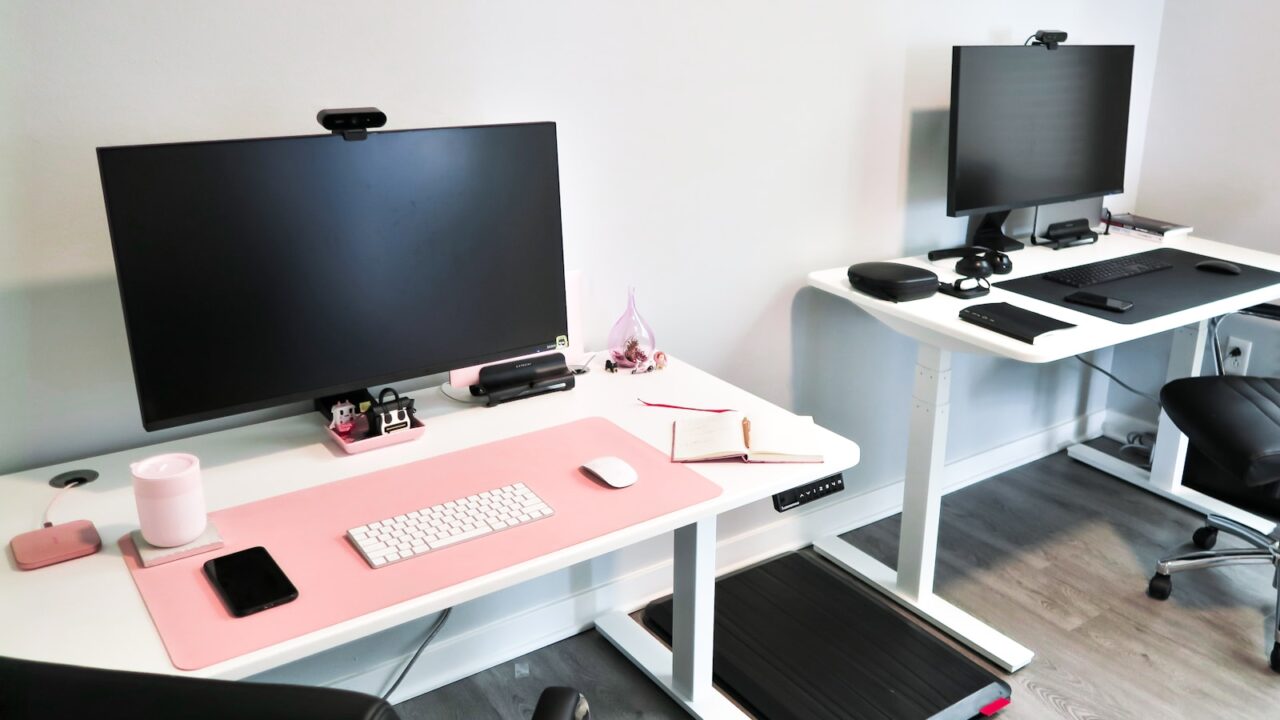
A sitting vs standing desk routine works best when it adds movement without turning the workday into a posture challenge. The goal is not to stand all day; it is to alternate positions before discomfort builds.
Quick Answer
Start with short standing blocks of 15 to 30 minutes, then sit again before fatigue changes your posture. Use memory presets, supportive shoes or a mat, and a cable setup that moves safely.
Key Takeaways
- Alternating positions is more useful than standing for hours without moving.
- Start with short standing intervals and increase gradually.
- The monitor, keyboard, and mouse must stay comfortable in both positions.
- Cable slack and a foot mat make the routine easier to maintain.
Table of contents: What to Prioritize · Setup Checklist · Comparison Table · Common Mistakes · Frequently Asked Questions
What to Prioritize
Create two presets: one for sitting and one for standing. If you adjust by guessing each time, you are less likely to switch positions consistently.
Stand during calls, reading, planning, or short admin work before using standing blocks for deep typing sessions.
Watch your feet and shoulders. If you lock your knees, lean on the desk, or raise your shoulders, it is time to sit or adjust the height.
Setup Checklist
- Standing intervals start at 15 to 30 minutes.
- Keyboard remains near elbow height in both positions.
- Monitor height is comfortable after the desk rises.
- Cables have enough slack for the full travel range.
- Shoes, mat, or footrest support position changes.
Comparison Table
| Item | Best use | What to check |
|---|---|---|
| Work block | Suggested position | Why |
| Email review | Standing | Light task, easy movement |
| Deep writing | Sitting or short standing block | Stable typing comfort |
| Calls | Standing | Natural posture variety |
Common Mistakes
- Standing too long on the first day and abandoning the routine.
- Using the same monitor height for sitting and standing if it causes neck strain.
- Ignoring cable pull when the desk moves.
Helpful References
For broader workstation context, compare your setup against OSHA Computer Workstations eTool and CDC/NIOSH ergonomics overview. You can also review our affiliate disclosure and editorial policy.
Frequently Asked Questions
How often should I switch between sitting and standing?
A practical starting point is to switch every 30 to 60 minutes or use 15 to 30-minute standing blocks. Adjust based on comfort and task type.
Is standing all day better than sitting?
Standing all day is not the goal. Posture variation, movement, and comfortable positioning matter more than staying in one position.
Do I need an anti-fatigue mat?
A mat can help if you stand often, especially on hard floors. Supportive shoes and small posture changes also matter.
Final Recommendation
Use this guide as a practical starting point, then adjust the details to your room, body, equipment, and daily workflow. The best desk setup is the one that stays comfortable and easy to reset after repeated use.