
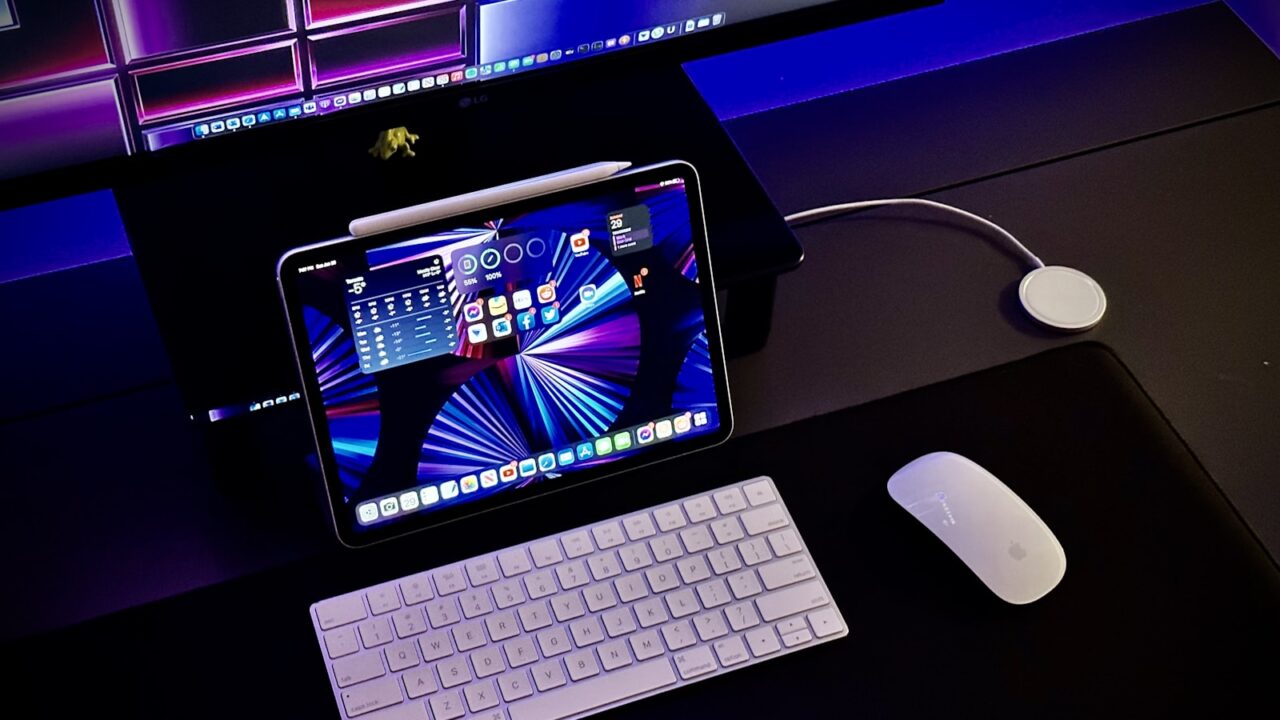
A trackball can reduce arm movement and save desk space, while a regular mouse often feels more familiar and precise. The better choice depends on comfort, task type, and willingness to adapt.
Key Takeaways
- Trackballs reduce desk movement but require a learning period.
- A regular mouse is usually easier for broad compatibility and quick precision.
- Desk size and keyboard layout influence both options.
- Shortcut buttons matter only if mapped to repeated actions.
Table of contents: What to Check · Comparison Table · FAQ
What to Check
Comfort differences
A trackball stays in one place, which can help users who dislike repeated mouse movement across the desk. It may also work well on small desks where a large mouse pad does not fit.
A regular mouse allows familiar movement and may feel better for tasks that require quick dragging, drawing, or frequent pointer repositioning.
Productivity differences
Trackballs can be efficient once you adapt, especially when paired with programmable buttons. However, the first week can feel slower.
A mouse usually wins for immediate familiarity. If you switch devices often, staying with a standard mouse may reduce friction.
Comparison Table
| Device | Best for | Tradeoff |
|---|---|---|
| Trackball | Small desks and reduced arm movement | Learning curve |
| Standard mouse | General productivity | Needs movement space |
| Vertical mouse | Different wrist posture | May reduce precision at first |
| Touchpad | Gestures and portability | Less comfortable for long sessions |
Helpful References
For general workstation context, compare your setup against OSHA Computer Workstations eTool and CDC/NIOSH ergonomics guidance. You can also review our editorial policy.
Frequently Asked Questions
Is a trackball better than a mouse?
A trackball is better for some users who want less arm movement or have limited desk space. A standard mouse is easier to learn and often better for fast precision.
How long does it take to get used to a trackball?
Many users need several days to a few weeks. Start with normal browsing and office tasks before judging it on precision-heavy work.
Is a trackball good for wrist comfort?
It can help some users by reducing movement, but comfort depends on hand size, ball placement, button position, and overall desk setup.
Bottom Line
Use this guide as a practical baseline, then adjust the layout to your room, body, workflow, and equipment. A good desk setup should be easy to work at and easy to reset.