
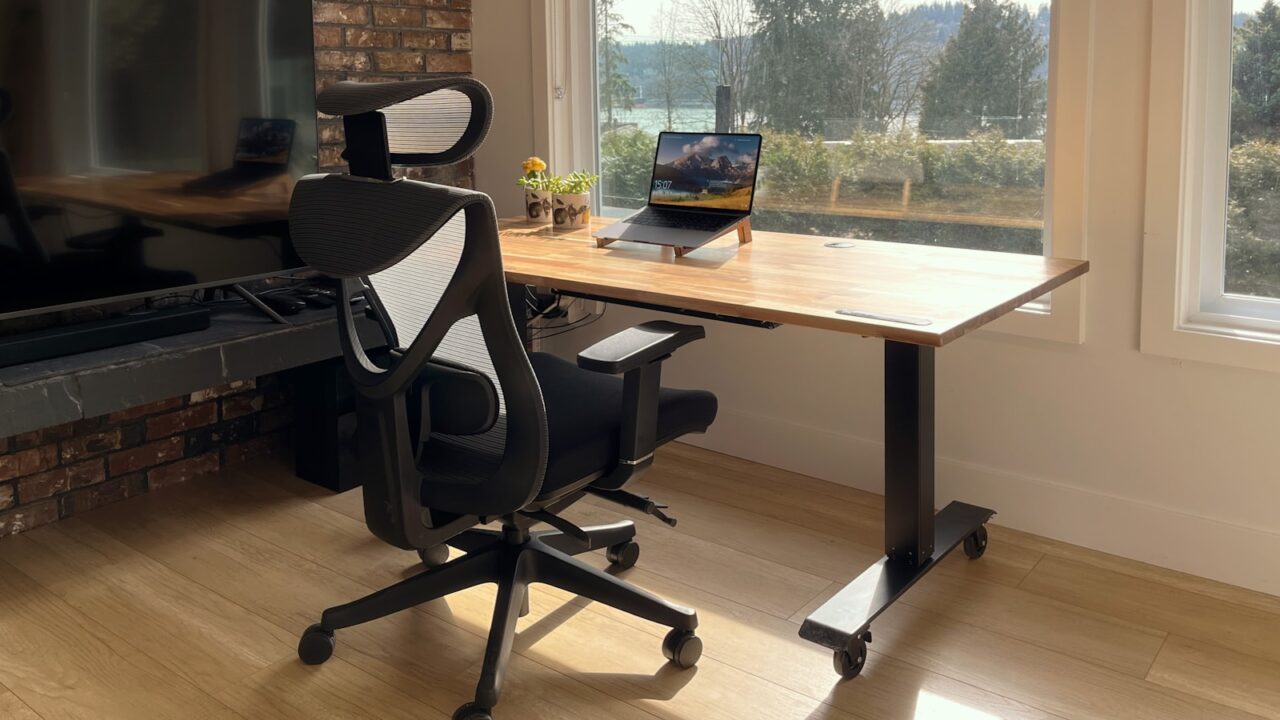
A wrist pain desk setup problem often comes from reach, angle, or pressure rather than the keyboard alone. Small changes to keyboard height, mouse position, desk edge contact, and break timing can make the setup easier to use.
Quick Answer
Keep the keyboard and mouse close, reduce upward wrist bend, avoid pressing wrists into a sharp desk edge, and take short recovery pauses. If pain continues, get professional medical advice.
Key Takeaways
- Mouse reach is a common cause of wrist and shoulder tension.
- A lower keyboard angle can reduce wrist extension.
- Desk edge pressure matters, especially on thin or sharp desktops.
- Persistent pain should not be solved only with accessories.
Table of contents: What to Prioritize · Setup Checklist · Comparison Table · Common Mistakes · Frequently Asked Questions
What to Prioritize
Move the mouse closer first. A full-size keyboard can push the mouse far to the side, which changes wrist and shoulder position.
Flatten the keyboard or try a lower-profile model if the front edge forces your wrists upward.
Use wrist rests carefully. They can support pauses, but they should not become a point where you press down while typing.
Setup Checklist
- Mouse sits close enough that the elbow stays near the body.
- Keyboard tilt does not force wrists upward.
- Forearms can rest without pressing hard on a sharp edge.
- Pointer speed allows movement without large wrist motions.
- Short breaks or task changes happen before discomfort builds.
Comparison Table
| Item | Best use | What to check |
|---|---|---|
| Problem | Desk setup fix | What to test |
| Wrist bends upward | Lower keyboard tilt | Typing feels flatter |
| Mouse far away | Use compact keyboard | Elbow stays closer |
| Edge pressure | Move keyboard back or soften edge | Less contact stress |
Common Mistakes
- Buying a wrist rest while leaving the mouse too far away.
- Using high keyboard feet because they look normal.
- Ignoring symptoms that continue after setup changes.
Helpful References
For broader workstation context, compare your setup against OSHA Computer Workstations eTool and CDC/NIOSH ergonomics overview. You can also review our affiliate disclosure and editorial policy.
Frequently Asked Questions
Can a desk setup cause wrist pain?
A desk setup can contribute to wrist discomfort when the keyboard or mouse causes awkward angles, long reaches, or pressure on the desk edge.
Is a wrist rest good for typing?
A wrist rest can help during pauses, but pressing into it while typing can create pressure. Use it lightly and keep wrists close to neutral.
When should I see a professional?
If wrist pain is persistent, severe, numb, or spreading, get advice from a qualified healthcare professional instead of relying only on desk accessories.
Final Recommendation
Use this guide as a practical starting point, then adjust the details to your room, body, equipment, and daily workflow. The best desk setup is the one that stays comfortable and easy to reset after repeated use.