
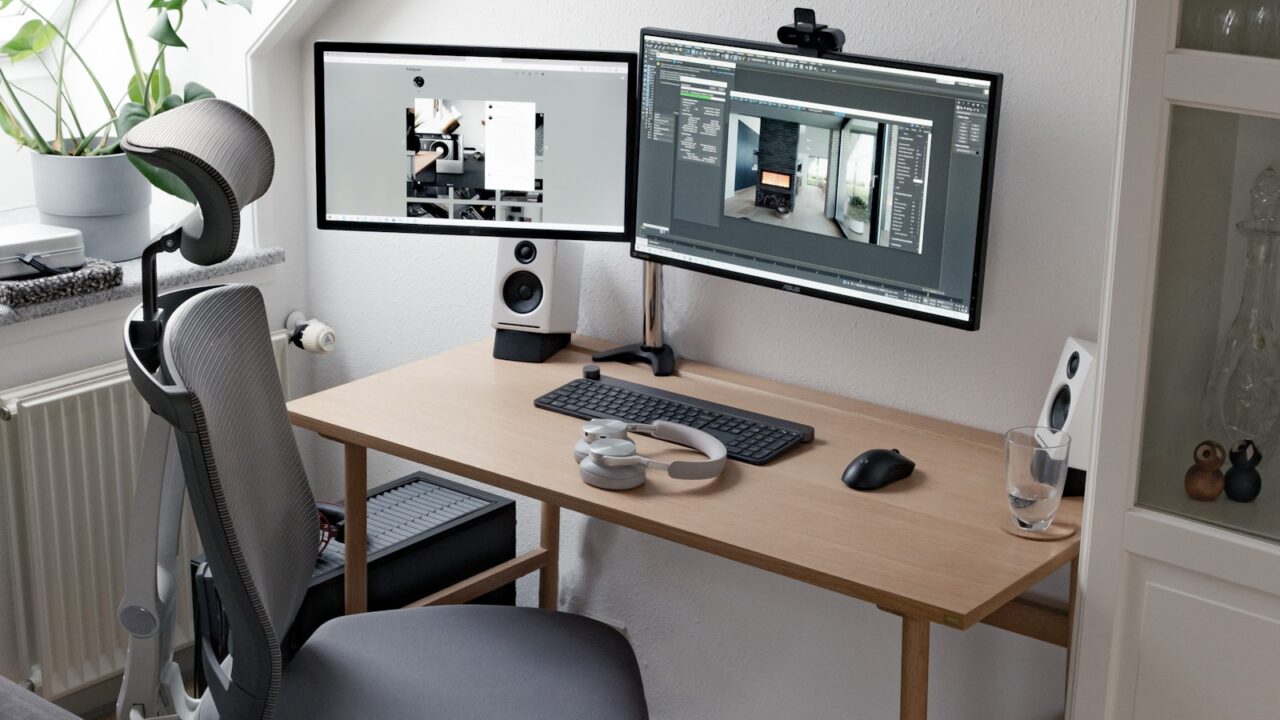
The 4K vs ultrawide monitor for productivity debate is really about workflow. A 4K display gives sharp text and flexible scaling, while an ultrawide monitor gives a broad canvas for side-by-side windows without a center bezel.
Quick Answer
Choose 4K if text clarity, design detail, or sharp spreadsheets matter most. Choose ultrawide if you constantly keep three or more windows visible and want one continuous workspace.
Key Takeaways
- 4K is strong for sharp text, images, and detailed work.
- Ultrawide is strong for timelines, dashboards, and side-by-side windows.
- Scaling support matters on both options.
- Desk width and monitor arm compatibility should be checked before buying.
Table of contents: What to Prioritize · Setup Checklist · Comparison Table · Common Mistakes · Frequently Asked Questions
What to Prioritize
List your daily windows. If you usually use two documents, a 4K 27 or 32-inch display may be enough. If you manage many panels, ultrawide can feel more natural.
Think about sharing your screen. Some ultrawide layouts can be awkward during calls if others view a very wide canvas.
Check ports and power delivery. Productivity monitors often become the hub for laptops, webcams, speakers, and charging.
Setup Checklist
- 4K for high text clarity and design review.
- Ultrawide for timelines, research, dashboards, and multi-window work.
- USB-C power delivery if you use a laptop as the main computer.
- VESA compatibility if you plan to use a monitor arm.
- Desk width and depth before buying a curved ultrawide.
Comparison Table
| Item | Best use | What to check |
|---|---|---|
| Choice | Best strength | Tradeoff |
| 4K | Sharp text and detail | Scaling may need tuning |
| Ultrawide | Continuous multi-window workspace | Large footprint |
| Dual monitors | Flexible separation | Center bezel and more cables |
Common Mistakes
- Buying ultrawide for aesthetics when your apps do not use the space well.
- Buying 4K without checking operating system scaling and app readability.
- Ignoring webcam and screen-sharing workflow.
Helpful References
For broader workstation context, compare your setup against VESA Mounting Standard and ENERGY STAR monitor guidance. You can also review our affiliate disclosure and editorial policy.
Frequently Asked Questions
Is 4K better than ultrawide for productivity?
4K is better for sharp text, design detail, and dense spreadsheets. Ultrawide is better for keeping many windows visible across one continuous screen.
Is ultrawide good for office work?
Yes, especially for research, finance, editing timelines, dashboards, and multitasking. It is less ideal if you share your screen often and need a standard aspect ratio.
Do I need a monitor arm for ultrawide?
Not always, but a strong compatible arm can help recover desk space. Check monitor weight and VESA mounting before buying.
Final Recommendation
Use this guide as a practical starting point, then adjust the details to your room, body, equipment, and daily workflow. The best desk setup is the one that stays comfortable and easy to reset after repeated use.