
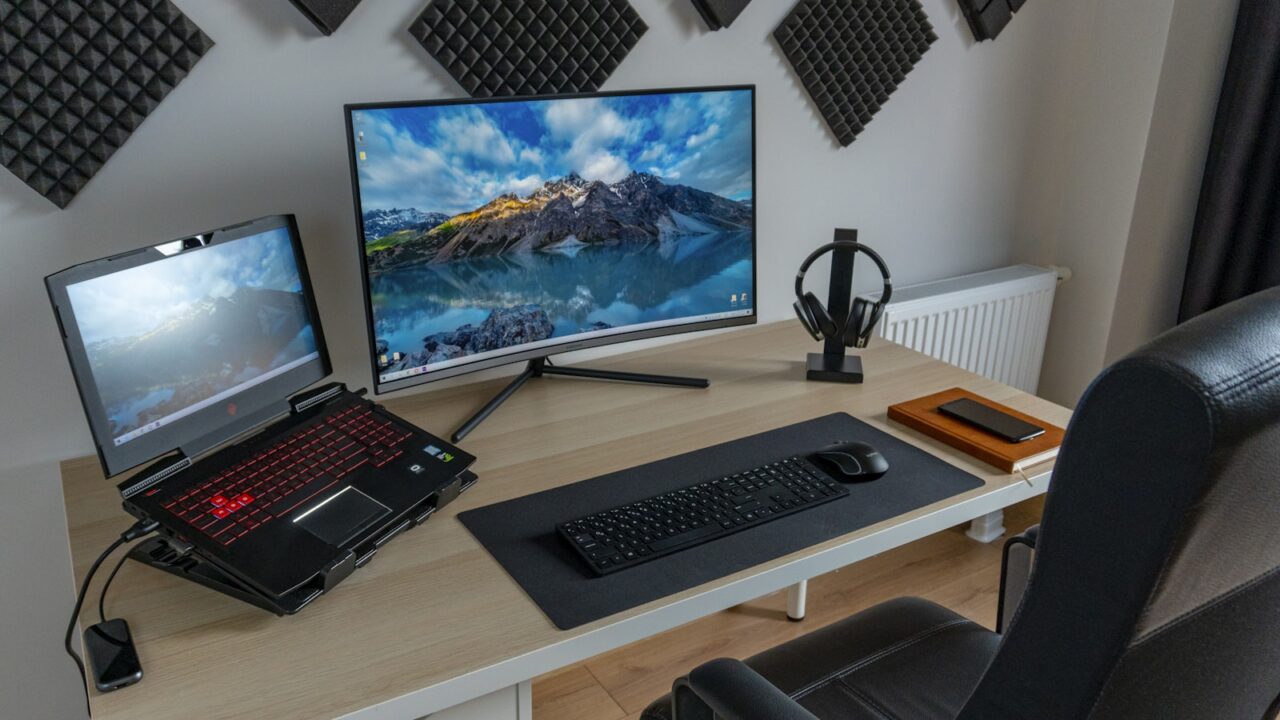
The best monitor size for home office work depends on desk depth, resolution, and how many windows you use at once. A bigger screen is not automatically better if it forces you to turn your head or push the keyboard too close to the desk edge.
Quick Answer
A 27-inch monitor is the best all-around size for many home offices. A 24-inch monitor works well for compact desks, while 32 inches is useful for large spreadsheets, design work, and deep desks.
Key Takeaways
- 24 inches is compact and budget-friendly.
- 27 inches is the easiest default recommendation for mixed productivity.
- 32 inches needs more desk depth and careful scaling.
- Resolution and viewing distance matter as much as diagonal size.
Table of contents: What to Prioritize · Setup Checklist · Comparison Table · Common Mistakes · Frequently Asked Questions
What to Prioritize
Match size to desk depth. A large display on a shallow desk can feel overwhelming even if the resolution is excellent.
Think about text size. A 27-inch 1440p screen is popular because it balances workspace and readability for many people.
Use your software as the guide. Writers may need less screen area than spreadsheet, design, finance, or video editing users.
Setup Checklist
- 24 inches for small desks, secondary screens, and tight budgets.
- 27 inches for general productivity and balanced desk setups.
- 32 inches for large workspaces, 4K, and multi-window layouts.
- Desk depth of roughly 24 inches or more for larger displays.
- Adjustable stand or monitor arm for height and distance.
Comparison Table
| Item | Best use | What to check |
|---|---|---|
| Size | Best use | Common resolution |
| 24 inches | Compact desks and budget setups | 1080p or 1440p |
| 27 inches | Everyday productivity | 1440p or 4K |
| 32 inches | Large spreadsheets and creative work | 4K |
Common Mistakes
- Choosing 32 inches for a shallow desk without testing viewing distance.
- Ignoring scaling settings and ending up with text that feels too small.
- Buying a large monitor with a fixed stand that sits too low.
Helpful References
For broader workstation context, compare your setup against VESA Mounting Standard and ENERGY STAR monitor guidance. You can also review our affiliate disclosure and editorial policy.
Frequently Asked Questions
Is 27 inches the best monitor size for home office work?
For many people, yes. A 27-inch monitor gives more workspace than 24 inches without requiring as much desk depth as many 32-inch displays.
Is a 32-inch monitor too big for office work?
A 32-inch monitor can be excellent on a deep desk, especially at 4K. It may feel too large on shallow desks or for users who prefer less head movement.
Is 24 inches enough for productivity?
Yes, 24 inches is enough for writing, email, browsing, and many office tasks. It is also a strong choice for small rooms or dual monitor setups.
Final Recommendation
Use this guide as a practical starting point, then adjust the details to your room, body, equipment, and daily workflow. The best desk setup is the one that stays comfortable and easy to reset after repeated use.