
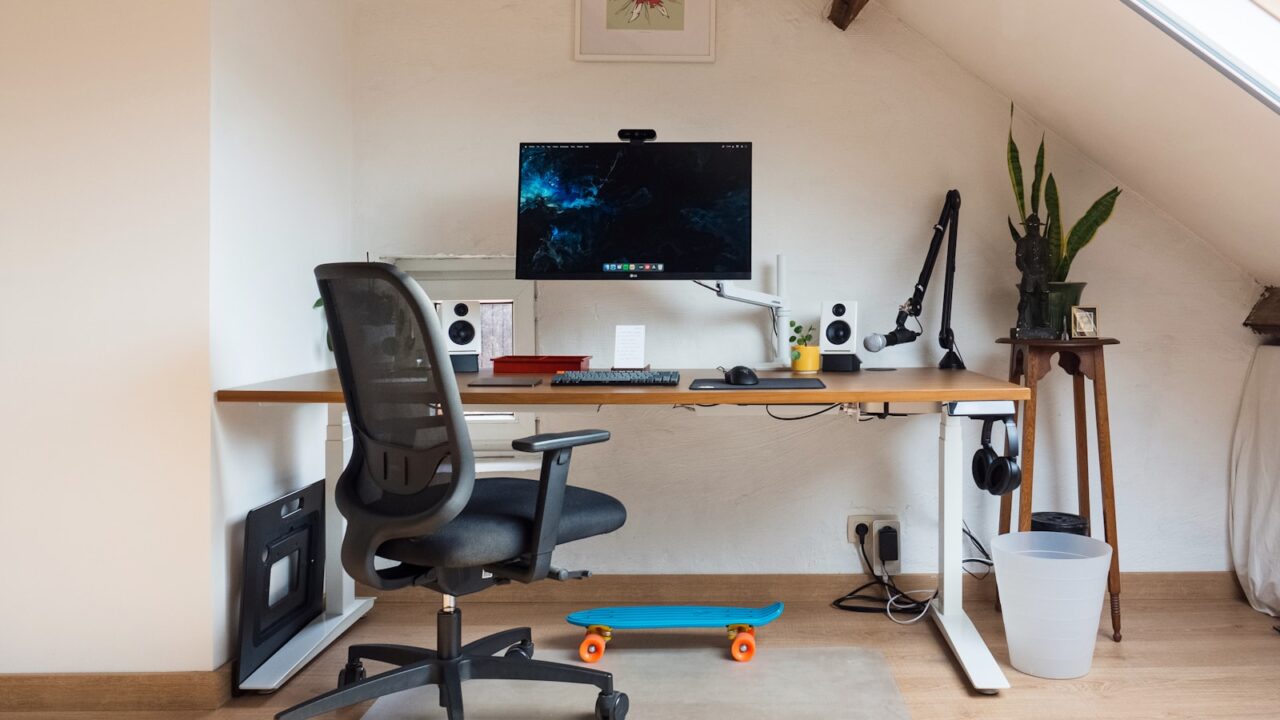
A budget monitor arm can make a desk feel cleaner and more adjustable, but only if the arm matches your monitor and desk. This budget monitor arm review guide shows what to check before you buy so you do not end up with wobble, sagging, or a clamp that damages the surface.
Quick Answer
The best budget monitor arm should support your monitor weight, match the VESA pattern, clamp securely to your desk, and hold height without sagging. Check the weight range and mounting style before comparing price.
Key Takeaways
- Weight range matters more than the advertised maximum weight alone.
- Confirm 75 x 75 mm or 100 x 100 mm VESA support before buying.
- A deeper desk clamp distributes pressure better than a tiny clamp plate.
- Cable clips are useful, but arm stability is the main review point.
Table of contents: What to Prioritize · Setup Checklist · Comparison Table · Common Mistakes · Frequently Asked Questions
What to Prioritize
Start with compatibility. The monitor must have a VESA mounting pattern or an adapter designed for that model.
Review the desk edge. Thin glass, hollow-core tops, and beveled edges can make budget clamps less secure.
Check how often you will move the screen. A static arm can work for a fixed setup, while gas-spring arms are better for frequent height changes.
Setup Checklist
- Monitor weight falls inside the arm range, not only below the maximum.
- VESA mounting pattern matches the monitor or adapter.
- Clamp fits your desktop thickness and edge shape.
- Tilt, swivel, rotation, and height adjustment match your workflow.
- Cable clips do not pinch HDMI, DisplayPort, or USB-C cables.
Comparison Table
| Item | Best use | What to check |
|---|---|---|
| Spec | Why it matters | Safe target |
| Weight range | Prevents sagging | Monitor sits near the middle of the supported range |
| VESA pattern | Ensures mounting fit | 75 x 75 mm or 100 x 100 mm for many monitors |
| Clamp depth | Protects desk edge | Wide contact plate and correct thickness range |
Common Mistakes
- Buying only by screen size and ignoring weight.
- Installing a clamp on a fragile or uneven desk edge.
- Expecting a low-cost arm to hold heavy ultrawide monitors perfectly still.
Helpful References
For broader workstation context, compare your setup against OSHA Computer Workstations eTool and CDC/NIOSH ergonomics overview. You can also review our affiliate disclosure and editorial policy.
Frequently Asked Questions
Are budget monitor arms worth it?
Budget monitor arms are worth it when your monitor is within the supported weight range and your desk can handle the clamp. They create more usable desk space and improve screen positioning.
How do I know if my monitor fits a monitor arm?
Check the monitor weight and VESA mount pattern in the product specifications. Many monitors use 75 x 75 mm or 100 x 100 mm patterns, but some need adapters.
Why does a monitor arm sag?
Sagging usually comes from a monitor that is too heavy, a spring tension setting that is too low, or a budget arm used near its limit.
Final Recommendation
Use this guide as a practical starting point, then adjust the details to your room, body, equipment, and daily workflow. The best desk setup is the one that stays comfortable and easy to reset after repeated use.