

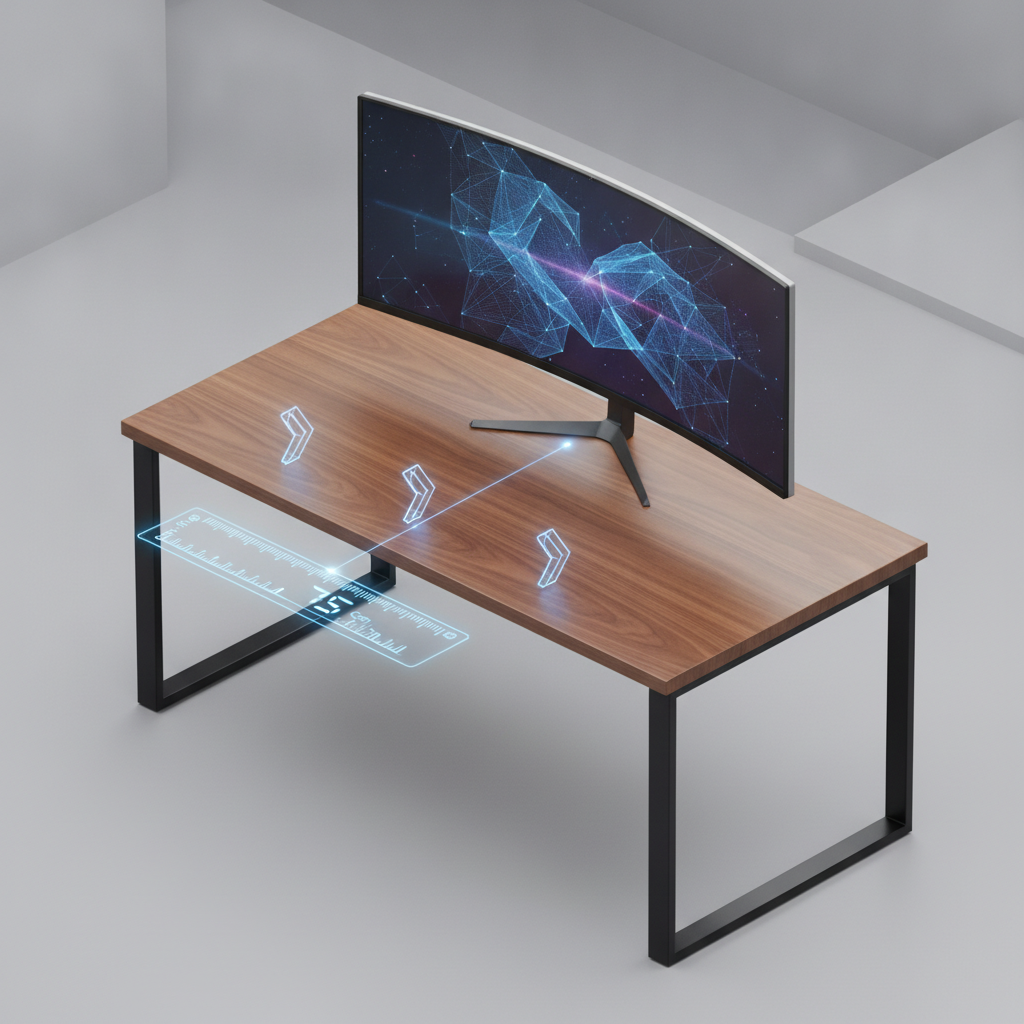
Setting up your desk the right way matters more than you think. The desk depth and viewing distance you choose affect your comfort, your eyes, and how well you work. This guide shows you exactly how to get it right.
Quick Answer: Ideal Desk Depth and Viewing Distance by Monitor Size
Here is the fast answer. The best viewing distance depends on your monitor size. Bigger screens need more space between you and the display.
Minimum vs. Comfortable vs. Ideal Viewing Distance Explained
Three types of viewing distance matter:
- Minimum: The closest you should sit. OSHA says at least 20 inches for eye health.
- Comfortable: Where you can read all text without leaning. Usually 24 to 32 inches.
- Ideal: The best spot for your monitor size. Lets you see the whole screen without moving your head.
Desk Depth Chart for 24″, 27″, 32″, and Ultrawide Monitors
| Monitor Size | Minimum Distance | Comfortable Distance | Ideal Distance | Recommended Desk Depth |
|---|---|---|---|---|
| 24 inch | 20 inches | 24 inches | 20 to 28 inches | 24 to 30 inches |
| 27 inch | 20 inches | 28 inches | 24 to 32 inches | 30 to 36 inches |
| 32 inch | 24 inches | 32 inches | 28 to 36 inches | 30 to 36 inches with arm |
| 34 inch ultrawide | 24 inches | 32 inches | 28 to 36 inches | 30 to 36 inches with arm |
| 49 inch super ultrawide | 28 inches | 36 inches | 32 to 40 inches | 36 inches with heavy-duty arm |
How Monitor Mounting Method Affects Required Desk Depth
Your monitor stand takes up space. A stock stand uses 3 to 8 inches of desk depth. A monitor arm pulls the screen back toward the wall, giving you 4 to 8 inches more room. Wall mounts remove desk depth needs completely.
Understanding Desk Depth and Viewing Distance: Key Definitions
Before you measure, you need to know what these terms mean.
What Is Desk Depth and How to Measure It Correctly
Desk depth is the distance from the front edge of your desk to the back wall. Measure with a tape measure. Place one end at the front edge. Stretch it to the wall. Write down the number in inches.
What Is Viewing Distance and Why It Matters for Eye Health
Viewing distance is the space from your eyes to the screen. Sit too close and your eyes get tired. Sit too far and you squint to read text. The right distance keeps your eyes comfortable and your neck relaxed.
The Critical Difference Between Desk Depth and Usable Viewing Distance
Desk depth is the total space you have. Usable viewing distance is what is left after you add your keyboard, mouse, and monitor stand. A 30-inch desk might only give you 20 inches of usable viewing distance once you add everything.
How to Calculate Your Ideal Desk Depth and Viewing Distance (Step-by-Step)
Follow these four steps to find your perfect setup.
Step 1: Measure Your Body Setback from Desk Edge
Sit in your chair in your normal work position. Have a friend measure from the front edge of the desk to your eyes. Most people sit 2 to 4 inches behind the desk edge. Write this number down.
Step 2: Measure Monitor Stand Depth and Screen Position
Place your monitor on your desk. Measure from the front edge of the desk to the screen. Include the stand base. Most stands push the screen 3 to 8 inches from the front edge. Write this number down.
Step 3: Calculate Your Actual Eye-to-Screen Distance
Subtract the monitor position from your body setback. If your eyes are 3 inches behind the desk edge and the screen is 10 inches from the edge, your eye-to-screen distance is 7 inches. That is too close. You need at least 20 inches.
Step 4: Compare Against OSHA and Ergonomic Standards
OSHA says your viewing distance should be 20 to 40 inches. Check your number. If it is less than 20 inches, you need to fix your setup. Use a monitor arm, move your chair back, or get a deeper desk.
Desk Depth Guide by Monitor Size and Resolution
Each monitor size has different needs. Here is what you need to know.
24-Inch Monitor: Minimum Desk Depth and Viewing Distance
A 24-inch monitor works well on most desks. You need at least 24 inches of desk depth. The ideal viewing distance is 20 to 28 inches. This size is great for small home offices.
27-Inch Monitor: Recommended Setup for Home Office
A 27-inch monitor needs more room. You need at least 30 inches of desk depth. The ideal viewing distance is 24 to 32 inches. Use a monitor arm if your desk is only 24 inches deep.
32-Inch Monitor: Desk Depth Requirements for Large Screens
A 32-inch monitor is big. You need 30 to 36 inches of desk depth with a monitor arm. The ideal viewing distance is 28 to 36 inches. Without an arm, you need a 36 to 48-inch deep desk.
34-Inch Ultrawide Monitor: Optimal Viewing Distance and Depth
An ultrawide monitor is wide but not very deep. You need 30 to 36 inches of desk depth with a monitor arm. The ideal viewing distance is 28 to 36 inches. Sit far enough back to see both edges without turning your head.
49-Inch Super Ultrawide: Special Considerations for Desk Depth
A 49-inch super ultrawide is huge. You need 36 inches of desk depth with a heavy-duty monitor arm. The ideal viewing distance is 32 to 40 inches. Make sure your arm can hold the weight. Check the load rating before you buy.
How Monitor Mounting Method Changes Your Desk Depth Requirements
How you mount your monitor changes how much desk depth you need.
Monitor on Stock Stand: Depth Calculation and Space Lost
The stand that comes with your monitor takes up space. Most stands use 3 to 8 inches of desk depth. The stand base sits on your desk and pushes the screen forward. This reduces your viewing distance.
Monitor on Riser: Additional Depth Impact to Consider
A monitor riser raises your screen. It adds 1 to 6 inches of height. But it also uses 8 to 12 inches of desk depth. Risers are good for storage but bad for small desks.
Monitor Arm Setup: How to Reclaim Desk Depth and Improve Viewing Distance
A monitor arm clamps to the back of your desk. It holds your screen in the air. This frees up 4 to 8 inches of desk depth. You can move the screen forward or back to find the perfect viewing distance. Arms are the best choice for desks 24 to 30 inches deep.
Wall-Mounted Monitor: Eliminating Desk Depth Constraints Entirely
A wall mount puts your monitor on the wall. This removes all desk depth needs. Your desk can be as shallow as you want. But wall mounts do not move easily. You cannot adjust the height or distance without tools.
Desk Depth and Viewing Distance for Dual Monitor Setups
Two monitors need more planning than one.
Side-by-Side Dual Monitors: Required Desk Depth Calculation
Two monitors side by side need the same desk depth as one monitor. The depth does not change. But you need more desk width. Make sure both screens are the same distance from your eyes.
Stacked Dual Monitors: Viewing Distance and Ergonomic Tips
Stacked monitors need more desk depth. The bottom monitor should be at eye level. The top monitor should tilt down. You need 30 to 36 inches of desk depth. Use a dual monitor arm to hold both screens.
Primary + Secondary Monitor Positioning for Optimal Depth
Put your main monitor directly in front of you. Put the second monitor to the side. Angle the second monitor toward you. Both screens should be the same distance from your eyes. This keeps your neck comfortable.
Desk Depth Recommendations for Triple Monitor Setups
Three monitors need careful planning. Use monitor arms for all three. Put the main monitor in the center. Put the other two on the sides. You need at least 30 inches of desk depth. Make sure your desk can hold the weight of three arms.
How to Fix a Desk That’s Too Shallow: Practical Solutions
Your desk is too shallow. Here is what to do.
Use a Monitor Arm to Gain 4-8 Inches of Viewing Distance
A monitor arm is the easiest fix. It clamps to the back of your desk. It pulls the screen toward the wall. This gives you 4 to 8 inches more viewing distance. Arms cost 50 to 200 dollars. They work on desks 24 inches deep or more.
Switch to a Smaller Monitor: When Downsizing Makes Sense
If your desk is only 20 inches deep, use a 24-inch monitor. Smaller monitors need less viewing distance. A 24-inch screen works well at 20 inches. You lose screen space but gain comfort.
Wall-Mount Your Display to Eliminate Depth Issues
Put your monitor on the wall. This removes all desk depth problems. Your desk can be as shallow as you want. Wall mounts cost 30 to 100 dollars. Make sure your wall can hold the weight.
Adjust Chair Position and Keyboard Tray for Better Distance
Move your chair back. Use a keyboard tray that pulls out from under the desk. This puts your keyboard closer to your body. It gives you more space between your eyes and the screen. Keyboard trays cost 40 to 150 dollars.
When to Replace Your Desk: Minimum Depth Thresholds
Replace your desk if it is less than 24 inches deep and you use a monitor larger than 24 inches. A 27-inch monitor needs at least 30 inches of desk depth. A 32-inch monitor needs 30 to 36 inches with an arm. Buy a desk that matches your monitor size.
Ergonomic Best Practices for Desk Depth and Viewing Distance
Good desk depth and viewing distance protect your body.
OSHA Guidelines: The 20-Inch Minimum Viewing Distance Rule
OSHA says your viewing distance should be at least 20 inches. The preferred range is 20 to 40 inches. This keeps your eyes comfortable and your neck relaxed. Always measure from your eyes to the screen, not from the desk edge.
How Viewing Distance Affects Neck Strain and Posture
Sit too close and you lean forward. This hurts your neck. Sit too far and you squint. This hurts your eyes. The right distance lets you sit back in your chair with your neck straight. Your shoulders stay relaxed. Your back stays supported.
Monitor Height and Tilt: Complementing Your Desk Depth Setup
The top of your screen should be at or slightly below eye level. Tilt the screen up 10 to 20 degrees. This works with your viewing distance to keep your neck comfortable. Use a monitor arm to adjust height and tilt easily.
Lighting Considerations Based on Your Viewing Distance
Sit far from windows. Glare on your screen hurts your eyes. Use a desk lamp behind your monitor. This lights your workspace without shining in your eyes. The farther you sit from the screen, the more light you need.
Special Desk Configurations: Depth and Viewing Distance Challenges
Some desks are harder to set up than others.
Corner Desks and L-Shaped Setups: Measuring Usable Depth
Corner desks have different depths in different spots. Measure the depth where you sit. The corner might be 30 inches deep. The sides might be only 20 inches deep. Put your monitor in the deepest spot.
Standing Desks: Does Height Change Viewing Distance Requirements?
Standing does not change viewing distance. You still need 20 to 40 inches from your eyes to the screen. But standing desks let you adjust height easily. Raise the desk until the screen top is at eye level. Keep the same viewing distance.
Laptop-Only Setups: Minimum Depth for Built-In Screens
Laptops have small screens. You need at least 20 inches of desk depth. The laptop base takes up 10 to 14 inches. The screen is 6 to 10 inches from the front edge. Use a laptop stand to raise the screen. Connect an external keyboard and mouse.
Small Home Office Desks: Maximizing Depth in Tight Spaces
Small desks are usually 20 to 24 inches deep. Use a 24-inch monitor. Use a monitor arm to pull the screen back. Use a keyboard tray to move the keyboard closer. Put the laptop or monitor at the back edge of the desk. Sit as far back as your chair allows.
FAQ: Common Questions About Desk Depth and Viewing Distance
What Is the Minimum Desk Depth for a 27-Inch Monitor?
You need at least 30 inches of desk depth for a 27-inch monitor. Use a monitor arm if your desk is only 24 inches deep. The arm pulls the screen back and gives you more viewing distance.
How Far Should My Eyes Be from a 32-Inch Monitor?
Your eyes should be 28 to 36 inches from a 32-inch monitor. This is the ideal viewing distance. It lets you see the whole screen without moving your head. Use a monitor arm to reach this distance on smaller desks.
Does a Deeper Desk Always Mean Better Ergonomics?
No. A deeper desk gives you more options. But you still need to set up your monitor at the right distance. A 48-inch deep desk with the monitor at the back edge might put the screen too far away. The best desk depth is one that lets you achieve the ideal viewing distance for your monitor size.
Can I Use a Monitor Arm on a Shallow Desk?
Yes. Monitor arms work on desks as shallow as 24 inches. The arm clamps to the back edge. It holds the screen in the air. This frees up desk space. Make sure your desk edge is strong enough to hold the clamp.
What Desk Depth Do I Need for Gaming vs. Office Work?
Gaming and office work need the same desk depth. The viewing distance depends on your monitor size, not what you do. But gamers often sit closer to see details. If you sit closer, use a smaller monitor. A 24-inch monitor works well at 20 to 24 inches for gaming.
Final Checklist: Verify Your Desk Depth and Viewing Distance Setup
Use this checklist to make sure your setup is correct:
- Measure your desk depth from front edge to back wall.
- Measure your body setback from desk edge to your eyes.
- Measure your monitor position from desk edge to screen.
- Calculate your eye-to-screen distance.
- Check that your viewing distance is 20 to 40 inches.
- Check that the top of your screen is at or below eye level.
- Check that you can read all text without leaning forward.
- Check that your neck is straight and your shoulders are relaxed.
- Check that there is no glare on your screen.
- Adjust your chair height, monitor height, or desk depth if needed.
Your desk depth and viewing distance setup affects your comfort every day. Take time to measure and adjust. Use this guide to find the perfect setup for your body and your monitor. Your eyes and neck will thank you.