
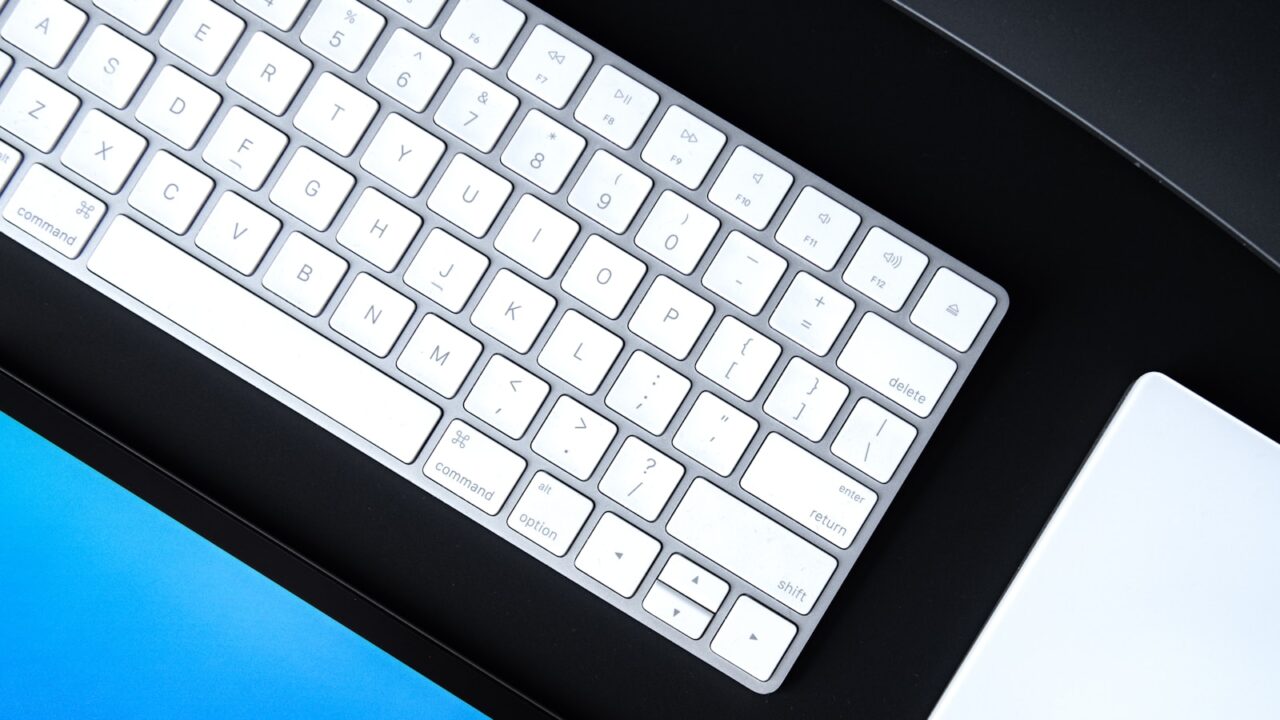
A good home office desk setup budget should solve the problems you feel every day before it chases expensive gear. For most people, the first wins are not a premium desk or a full room redesign. They are screen height, chair fit, lighting, cable control, and the small accessories that make the desk easier to use for 6 to 8 hours.
This guide is for remote workers, students, and small apartment users who want a cleaner and more comfortable workspace without buying everything at once.
Key Takeaways
- Under $100, focus on posture basics: laptop height, mouse comfort, lighting, and cable clutter.
- At $250, add one major comfort upgrade such as a monitor, chair support, or monitor arm.
- At $500, build a complete daily-use setup around the way you actually work.
- Skip cosmetic accessories until your screen, keyboard, mouse, chair, and lighting feel stable.
A Simple Budget Framework
Before buying anything, divide your desk problems into three groups: discomfort, friction, and clutter. Discomfort includes neck strain, wrist pressure, back pain, and eye fatigue. Friction includes unplugging cables, moving items to make room, or switching between laptop and monitor. Clutter includes loose chargers, visible power strips, stacked notebooks, and accessories that have no home.
Spend first where one product fixes a daily problem. A $25 laptop stand can do more for a laptop-only worker than a $120 desk shelf. A $35 desk lamp can improve video calls and evening focus more than another decorative object. A $15 cable box can make a small desk easier to clean every day.
Best Upgrades Under $100
At this level, aim for four small changes that make the desk usable. Start with a laptop stand or monitor riser if your screen is too low. The top third of the screen should sit close to eye level, not down near the desk surface. If you use a laptop stand, add an external keyboard and mouse so your hands are not lifted into an awkward position.
Next, buy a mouse that fits your hand. If your wrist bends sideways or your fingers grip too tightly, productivity will not matter because the setup will feel tiring. A basic full-size mouse, vertical mouse, or trackball can all work; the important part is that your hand relaxes.
Use the remaining budget on light and cable control. A task lamp with adjustable direction helps reduce eye strain, especially if your room light is behind you or directly above the monitor. Cable clips, reusable ties, and a small tray can keep chargers from sliding off the desk.
Best Upgrades Around $250
At $250, choose one core upgrade and support it with small accessories. If you work from a laptop, a 24-inch or 27-inch external monitor is usually the highest-impact purchase. It gives you more visual space, helps your neck position, and makes writing, spreadsheets, and research easier.
If you already have a good screen, consider a monitor arm. A monitor arm does not make sense for every desk, but it helps when the monitor stand takes too much surface area or cannot reach the right height. Check clamp clearance, desk thickness, and monitor weight before buying.
For chair-related discomfort, do not assume the answer is a new chair immediately. Try seat height, lumbar support, and foot support first. A footrest or firm cushion can fix a surprising number of posture issues when the chair is basically usable but the desk height is fixed.
Best Upgrades Around $500
At $500, build a balanced setup instead of buying one premium item. A practical combination might be a 27-inch monitor, monitor arm, quiet keyboard, comfortable mouse, desk lamp, and cable tray. Another version could be a better chair, footrest, laptop stand, external keyboard, and lighting.
The right mix depends on your work. Writers and analysts usually benefit from screen space and keyboard comfort. Designers and video editors may care more about color, desk depth, and storage. Heavy meeting users should prioritize lighting, camera position, microphone placement, and cable reliability.
Leave 10 to 15 percent of the budget for adapters, cable lengths, and mounting details. Many setups fail because the main item is fine but the USB-C cable is too short, the monitor arm cannot clamp securely, or the power strip ends up in an unsafe location.
What to Skip Early
Skip accessories that only look good in photos until your daily workflow is stable. Desk shelves, decorative pegboards, RGB lighting, premium mats, and matching trays can all be useful later, but they should not come before posture, lighting, power, and cable control.
Also avoid buying a large desk before measuring the room. In small rooms, a 48-inch desk with a good layout can feel better than a 60-inch desk that blocks drawers, doors, or walking paths. Measure width, depth, chair pullback space, and outlet distance before committing.
Recommended Upgrade Order
- Raise the screen to a comfortable height.
- Add an external keyboard and mouse if using a laptop stand.
- Improve lighting for reading, calls, and evening work.
- Fix the chair, foot position, and wrist position.
- Route power and cables so the desk is easy to clean.
- Add storage or visual accessories only after the basics work.
FAQ
Is a standing desk the first thing to buy?
Usually no. A standing desk helps some people, but screen height, chair fit, keyboard position, and movement breaks often deliver better value first.
How much should a beginner spend on a desk setup?
A beginner can make meaningful improvements with $100 to $250. Spend more only after you know which part of the setup causes daily discomfort or friction.
Should I buy a monitor or a better chair first?
Buy the item that fixes the most frequent problem. If your neck is always bent toward a laptop, start with screen height. If your back hurts even when the screen is right, work on the chair and foot position.
Final Check
A smart home office desk setup budget is not about buying the most popular gear. It is about removing the biggest daily problem first, then building around your actual work. Start small, measure before you buy, and keep the setup easy to adjust.