
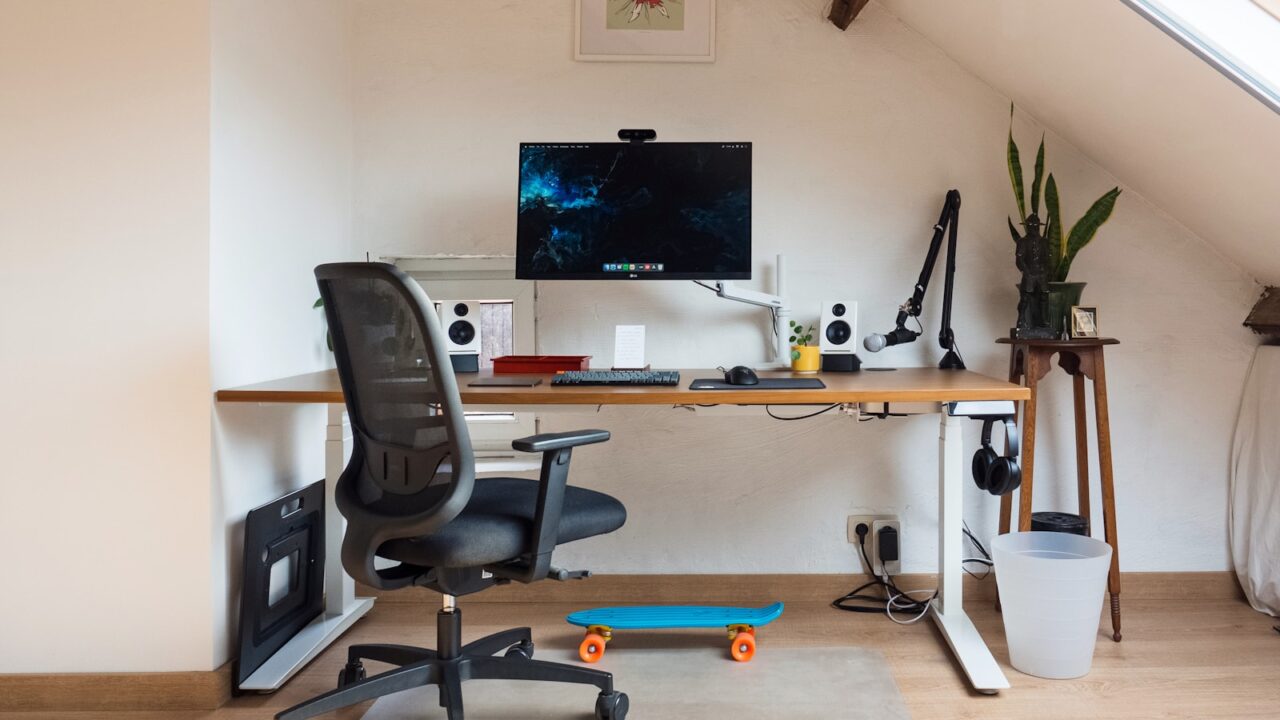
A monitor arm setup guide helps you get the benefit of the arm after installation. The right arm position improves viewing comfort, opens desktop space, and keeps cables from becoming the new clutter.
Quick Answer
Clamp the arm securely, mount the monitor with the correct VESA plate, set the top of the screen near eye level, keep the display at a comfortable distance, and route cables along the arm with enough slack.
Key Takeaways
- Clamp position affects both stability and screen reach.
- Height and distance should be adjusted after the chair and keyboard are set.
- Cable slack must allow the arm to move without pulling connectors.
- Heavy monitors need arms that support their actual weight range.
Table of contents: What to Prioritize · Setup Checklist · Comparison Table · Common Mistakes · Frequently Asked Questions
What to Prioritize
Install the clamp where the arm can reach your ideal screen position without being fully stretched. An arm used at its limit may wobble more.
Adjust the chair and keyboard first, then set monitor height. This prevents using the monitor to compensate for a bad typing position.
Route cables last. Move the arm through its normal range before tightening clips or sleeves.
Setup Checklist
- Desk edge can handle the clamp.
- VESA pattern and screws match the monitor.
- Monitor weight sits inside the arm rating.
- Top of screen near eye level for most users.
- Cables follow the arm and leave a gentle loop near the base.
Comparison Table
| Item | Best use | What to check |
|---|---|---|
| Setup step | Goal | Check |
| Clamp | Stable base | No flex or edge damage |
| Height | Relaxed neck | Screen top near eye level |
| Cables | Clean movement | No pulling at full reach |
Common Mistakes
- Clamping onto a weak desktop or cable grommet cover.
- Tightening cables before testing arm movement.
- Leaving the monitor too high because the arm makes it possible.
Helpful References
For broader workstation context, compare your setup against VESA Mounting Standard and ENERGY STAR monitor guidance. You can also review our affiliate disclosure and editorial policy.
Frequently Asked Questions
How high should a monitor arm be?
Set the monitor so the top of the screen is near eye level or slightly below, then adjust for screen size, vision, and comfort.
Can any monitor use a monitor arm?
No. The monitor needs compatible mounting, usually a VESA pattern or a model-specific adapter, and the arm must support its weight.
How do I hide monitor arm cables?
Route power and display cables along the arm channels or clips, then guide them into an under-desk tray with enough slack for movement.
Final Recommendation
Use this guide as a practical starting point, then adjust the details to your room, body, equipment, and daily workflow. The best desk setup is the one that stays comfortable and easy to reset after repeated use.