
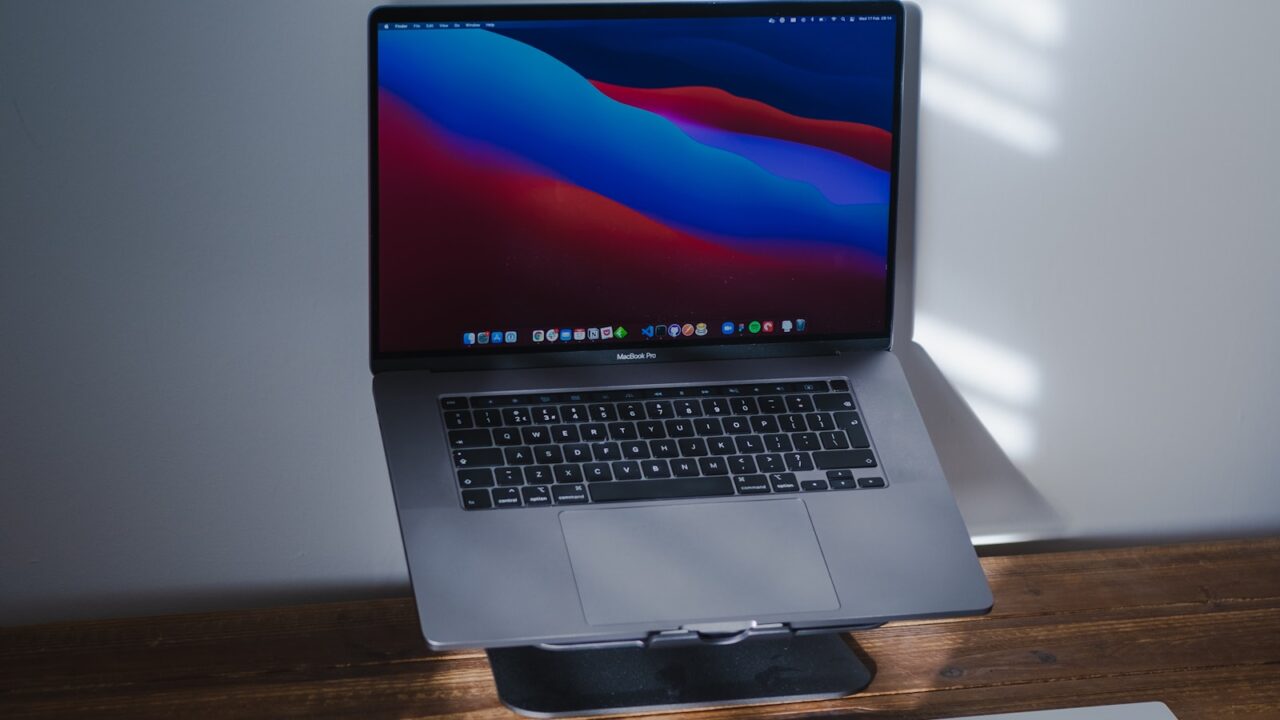
A portable monitor makes sense for a home office if you move between rooms, use a small desk, travel often, or need a lightweight second screen without committing to a full monitor arm setup.
Key Takeaways
- Portable monitors are best for flexibility, not maximum ergonomics.
- Stand quality matters more than most spec sheets suggest.
- USB-C support can make setup much cleaner.
- A fixed monitor is usually better for all-day use at one desk.
Table of contents: What to Check · Comparison Table · FAQ
What to Check
Best use cases
Portable monitors work well for laptop users who move from a desk to a kitchen table, coworking space, or travel bag. They are also useful for small desks where a second full-size monitor would dominate the space.
They are less ideal if you work at one desk all day. A fixed monitor with a better stand or arm usually offers more comfort and screen area.
Review stand and cable needs
The included stand can make or break the experience. A weak folding cover may slide, take too much space, or force the screen too low.
Check whether one USB-C cable can handle power and video from your laptop. If not, you may need a second cable or power adapter, which reduces the simplicity.
Comparison Table
| Choice | Best for | Tradeoff |
|---|---|---|
| Portable monitor | Flexible second screen | Lower height and smaller size |
| Fixed monitor | Daily desk work | Needs more space |
| Tablet as display | Occasional use | App and latency limits |
| Dual full-size monitors | Maximum workspace | More cables and desk width |
Helpful References
For general workstation context, compare your setup against OSHA Computer Workstations eTool and CDC/NIOSH ergonomics guidance. You can also review our editorial policy.
Frequently Asked Questions
Is a portable monitor good for home office work?
Yes, if you value flexibility or use a small desk. For all-day fixed work, a standard monitor is usually more comfortable.
What size portable monitor is best?
Many portable monitors are around 14 to 16 inches. Choose based on laptop size, desk space, and how much you travel.
Do portable monitors need power?
Some can run video and power over one USB-C cable, while others need a separate power cable. Check your laptop and monitor specs.
Bottom Line
Use this guide as a practical baseline, then adjust the layout to your room, body, workflow, and equipment. A good desk setup should be easy to work at and easy to reset.