
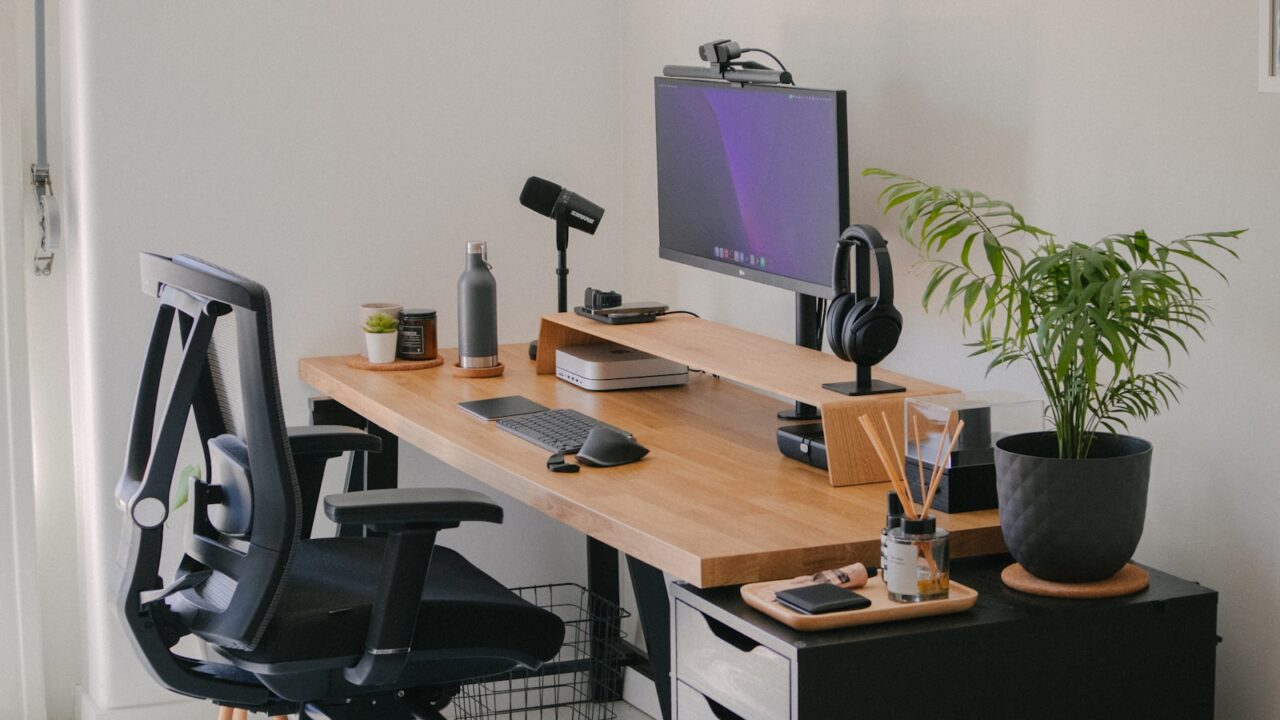
A clean work from home setup starts with a clear work surface, one main screen, close keyboard and mouse placement, hidden cable slack, and a small storage system for daily items.
Key Takeaways
- Clean setups depend on systems, not just fewer objects.
- Route power before arranging accessories.
- Use one storage spot for everything that usually lands on the desk.
- Keep the screen, keyboard, and mouse aligned before decorating.
Table of contents: What to Check · Comparison Table · FAQ
What to Check
Build the layout first
Put the chair, keyboard, mouse, and monitor in comfortable positions before deciding where accessories go. If the core layout is wrong, the desk will feel messy even when it is visually tidy.
A clean setup should leave one open area for temporary work. This could be notes, a notebook, a tablet, or a drink, but it should not be filled permanently.
Use repeatable cleanup rules
Create a five-minute reset at the end of each workday: return small tools to storage, clear cups and paper, and push loose cables back into clips.
If cleanup takes longer than five minutes, the setup needs better storage rather than more discipline.
Comparison Table
| Clean setup rule | Example | Result |
|---|---|---|
| One cable path | All wires drop into tray | Less visual noise |
| One catch-all spot | Tray for earbuds and keys | Faster cleanup |
| One open zone | Notebook area beside keyboard | More flexible work surface |
| One main palette | Black, white, wood, or gray | More cohesive look |
Helpful References
For general workstation context, compare your setup against OSHA Computer Workstations eTool and CDC/NIOSH ergonomics guidance. You can also review our editorial policy.
Frequently Asked Questions
How do I make my work from home setup look clean?
Hide cable slack, reduce visible accessories, use one storage tray, and keep a clear work zone next to the keyboard and mouse.
What should a beginner desk setup include?
Start with a stable desk, comfortable chair, monitor height solution, keyboard, mouse, lamp, and cable management.
Why does my desk always look messy?
Most desks look messy because items do not have storage homes. Add a tray, drawer, or shelf before buying more accessories.
Bottom Line
Use this guide as a practical baseline, then adjust the layout to your room, body, workflow, and equipment. A good desk setup should be easy to work at and easy to reset.