

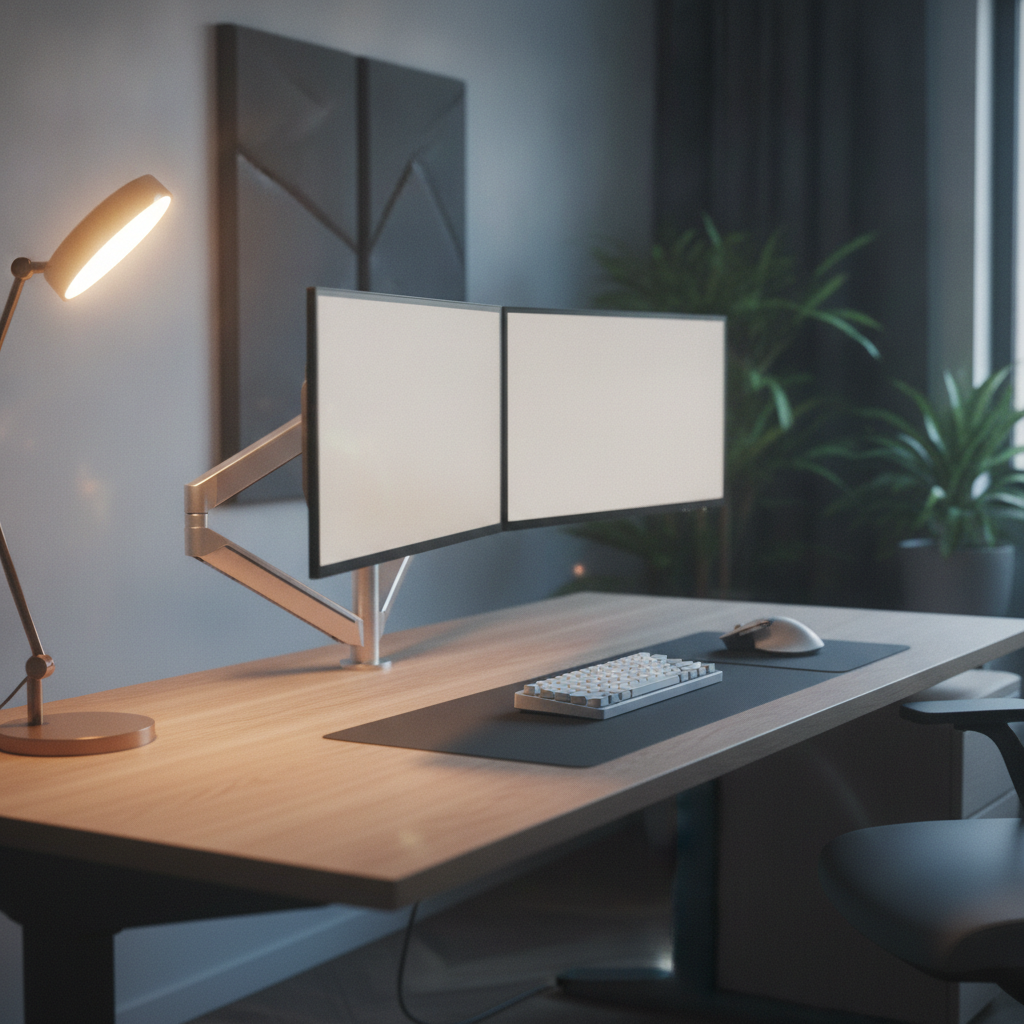
Setting up two monitors can change how you work and play. But many people forget one key thing: desk depth. Desk depth is the distance from the front edge of your desk to the back wall. If your desk is too shallow, your screens sit too close. This causes eye strain, neck pain, and a crowded workspace. This guide will show you how to pick the right desk depth for dual monitors in 2026.
Quick Answer: Best Desk Depth for Dual Monitors
The best desk depth for dual monitors is between 28 and 32 inches (71 to 81 cm). A 24-inch desk is the bare minimum, but it feels tight. For most people, 30 inches gives the best mix of viewing distance and workspace.
Minimum vs. Recommended Depth at a Glance
| Monitor Size | Minimum Desk Depth | Ideal Desk Depth |
|---|---|---|
| Dual 24-inch | 24 inches (61 cm) | 26–28 inches (66–71 cm) |
| Dual 27-inch | 26 inches (66 cm) | 28–32 inches (71–81 cm) |
| Dual 32-inch | 28 inches (71 cm) | 30–36 inches (76–91 cm) |
Quick Recommendations by Monitor Size
- Dual 24-inch monitors: Pick a desk depth of 26 to 28 inches for comfort.
- Dual 27-inch monitors: Aim for 30 inches of desk depth. This is the most common setup.
- Dual 32-inch monitors: Go for 32 to 36 inches of desk depth. Large screens need more space.
- Mixed sizes: Match your desk depth to the bigger screen.
Why Desk Depth Matters for Dual Monitor Setups
Desk depth is not just about fitting your screens on the table. It affects your eyes, your neck, and your whole body. Good desk depth makes long work days feel easy. Bad desk depth causes pain and tired eyes.
Viewing Distance and Eye Strain Prevention
Your eyes need space. The rule is simple: sit about one screen diagonal away from your monitors. For a 27-inch screen, that means 27 to 32 inches from your eyes. If your desk depth is too small, the screens sit too close. This makes your eyes work harder and leads to headaches.
Keyboard and Mouse Workspace Requirements
You need room for more than just monitors. A keyboard takes about 17 to 18 inches. A mouse pad adds another 10 inches. You also want space for your hands to move. With shallow desk depth, the keyboard sits right at the edge. This feels cramped and makes typing hard.
Monitor Angle and Neck Comfort
Dual monitors often sit in a slight V-shape. This angle helps your neck stay relaxed. But angled monitors take up more desk depth than flat ones. If your desk depth is too short, you cannot angle the screens. You end up turning your neck too far, which causes pain over time.
Cable Management and Rear Clearance
Monitors need cables. Power cords, HDMI, and DisplayPort cables all hang off the back. Most desks need 2 to 3 inches of space behind the monitors for cables. Without this rear clearance, cables get pinched or the monitors cannot sit flush against the wall.
How to Calculate Your Ideal Desk Depth for Dual Monitors
You do not need to guess. A simple formula gives you the right desk depth for your setup. Follow these four steps.
The Desk Depth Formula Explained
The formula is:
Desk Depth = Viewing Distance + Monitor Stand Depth + Front Workspace + Rear Clearance
Each part has a clear role. Viewing distance keeps your eyes safe. Stand depth holds the screen. Front workspace gives you room to type. Rear clearance hides the cables.
Step 1: Determine Your Viewing Distance
Use the diagonal rule. Measure your monitor size (like 27 inches). Multiply by 1.0 to 1.2. This gives your viewing distance. For dual 27-inch monitors: 27 × 1.1 = about 30 inches. This is how far your eyes should sit from the screen.
Step 2: Measure Monitor Footprint and Stand Depth
Check the base of your monitor stand. Most stands are 8 to 10 inches deep. If you use a slim stand, it may be only 6 inches. Write this number down. It is the space the monitor takes on your desk.
Step 3: Calculate Front Workspace Needs
Front workspace is the room between you and the monitors. You need space for:
- Keyboard: 17–18 inches
- Mouse area: 8–10 inches
- Wrist rest gap: 2–3 inches
Add these up. Most people need 12 to 15 inches of front workspace for a clean desk setup.
Step 4: Add Rear Cable Clearance
Leave 2 to 3 inches at the back of the desk. This lets cables hang freely. It also helps if you mount a power strip behind the monitors.
Worked Example: Calculating Depth for Dual 27-Inch Monitors
Let us walk through a real example.
- Viewing distance: 27 × 1.1 = 30 inches
- Monitor stand depth: 9 inches
- Front workspace: 13 inches
- Rear clearance: 2 inches
But wait — the viewing distance is from your eyes to the screen. The monitor stand sits on the desk. So the desk depth you need is: viewing distance minus the space from your eyes to the desk edge (about 10 inches), plus stand depth, plus front workspace, plus rear clearance.
Simpler version: 30 − 10 + 9 + 13 + 2 = about 30 inches of desk depth. This matches our quick answer for dual 27-inch monitors.
Recommended Desk Depth by Monitor Configuration
Different monitor sizes need different desk depth. Here is a full breakdown.
Dual 24-Inch Monitors: Minimum and Ideal Depth
For dual 24-inch monitors, a 24-inch desk depth works if you use monitor arms. For a comfortable setup with stands, pick 26 to 28 inches of desk depth. This gives you room for a full keyboard and mouse pad.
Dual 27-Inch Monitors: Minimum and Ideal Depth
Dual 27-inch monitors are the most popular choice. The minimum desk depth is 26 inches. The ideal desk depth is 28 to 32 inches. At 30 inches, you get the best mix of screen distance and workspace.
Dual 32-Inch Monitors: Minimum and Ideal Depth
Large 32-inch monitors need more room. The minimum desk depth is 28 inches. The ideal desk depth is 32 to 36 inches. At this size, the screens must sit farther back to avoid eye strain.
Mixed-Size Monitor Setups
If you mix sizes, like a 27-inch and a 24-inch, match your desk depth to the bigger screen. A 28 to 30 inch desk depth works well for most mixed setups.
Curved Monitors and Angled Setups
Curved monitors wrap around your view. They often need more desk depth than flat screens because the edges curve forward. Add 2 to 3 inches to your desk depth if you use curved dual monitors.
Ultrawide Plus Secondary Monitor Configurations
An ultrawide (34 to 49 inches) plus a second monitor need a deep desk. Aim for 30 to 36 inches of desk depth. The ultrawide sits closer, and the secondary monitor angles in from the side.
Monitor Stands vs. Monitor Arms: Impact on Desk Depth
The way you hold your monitors changes your desk depth needs. Stands and arms each have pros and cons.
How Monitor Stands Affect Available Depth
Monitor stands sit on the desk surface. Their bases take up 8 to 10 inches of depth. This reduces the space you have for keyboards and mice. With stands, you need a deeper desk to keep the screens at the right distance.
How Monitor Arms Can Reduce Depth Requirements
Monitor arms clamp to the back edge of the desk. They lift the screens up and let you push them farther back. This frees up desk space. With arms, you can use a desk depth as shallow as 24 inches for dual 27-inch monitors.
Monitor Arm Limitations and Requirements
Arms need a solid desk edge to clamp onto. They do not work well on glass desks or desks with a soft edge. Arms also cost more than stands. Check the weight limit before you buy.
When to Choose Stands vs. Arms for Your Setup
- Choose stands if you have a deep desk (30+ inches) and want a simple, low-cost setup.
- Choose arms if your desk depth is shallow (24 to 28 inches) or you want to free up desk space.
How to Measure and Test Your Desk Before Buying
Do not trust the desk name alone. Measure your space before you buy.
Measuring Usable Desktop Depth (Not Advertised Depth)
Some desks list total depth, including a curved back or overhang. Measure from the front edge to the point where the desk meets the wall. This is your usable desk depth. Write this number down.
Testing Monitor Placement with Templates
Cut paper templates of your monitor bases. Place them on your desk. Add a keyboard and mouse. Sit in your chair. This shows if the desk depth works before you spend money.
Checking Chair and Room Clearance
Leave 24 to 30 inches behind the desk for your chair to roll. Make sure your room has space for the desk depth you pick. A deep desk in a small room can block doors or closets.
Adjusting for Your Body Size and Seating Position
Taller people often need more desk depth. Their longer arms mean they sit farther back. If you lean forward to read, add 2 to 4 inches to your desk depth to avoid crowding.
Troubleshooting Common Dual Monitor Desk Depth Problems
Even with the right desk depth, problems can pop up. Here are fixes for the most common ones.
Screens Feel Too Close or Cause Eye Strain
If your eyes feel tired, your desk depth may be too shallow. Move the monitors back. If you cannot, try monitor arms to push them farther away. Also check your text size — bigger text lets you sit back.
Keyboard Pushed Against Desk Edge
This happens when desk depth is too short for both monitors and a keyboard. Fix: use a keyboard tray, switch to monitor arms, or use a smaller keyboard (like a 60% or 75% layout).
Excessive Neck Rotation for Secondary Monitor
If your neck hurts from turning, the secondary monitor may be too far to the side. Bring it closer to the center. You may need a wider desk, not just more desk depth. Angle both screens in a V-shape to cut neck strain.
Monitor Arms Wobble or Feel Unstable
Wobble often comes from a weak desk edge or loose clamp. Tighten the clamp. Make sure the desk is at least 1.5 inches thick. If the desk is particle board, add a wood block behind the clamp.
Desk Feels Crowded Despite Adequate Dimensions
Even with good desk depth, clutter makes the space feel small. Use cable trays, monitor arms, and under-desk drawers. A clean surface feels bigger than a messy one.
Desk Depth Considerations for Different Users
Your job changes what desk depth you need. Here is a guide by user type.
Programmers and Developers
Coders often read small text. They need more desk depth to sit back and see clearly. Aim for 30 to 32 inches of desk depth for dual 27-inch monitors. A monitor arm helps push screens to the right distance.
Graphic Designers and Video Editors
Designers need color accuracy and screen real estate. They often use larger monitors (27 to 32 inches). A desk depth of 30 to 36 inches gives them the viewing distance needed to see fine details without leaning in.
Gamers and Streaming Setups
Gamers may add a third screen, a microphone, or stream decks. These extras need desk depth. Plan for 32 to 36 inches if you game and stream. Also leave room for a large mouse pad.
General Office and Productivity Work
For email, documents, and web browsing, a desk depth of 26 to 30 inches is enough for dual 24 to 27-inch monitors. Keep it simple and focus on a clean, open workspace.
FAQ: Common Questions About Desk Depth for Dual Monitors
Is 24 Inches Deep Enough for Two Monitors?
Yes, but only for small monitors (24 inches or less) and only if you use monitor arms. For 27-inch or larger screens, 24 inches of desk depth feels too close and leaves no room for a keyboard.
Is 28 Inches Enough for Dual 27-Inch Monitors?
Yes. A 28-inch desk depth is the minimum for dual 27-inch monitors. It works best with monitor arms. For a setup with stands, 30 inches is more comfortable.
Do Monitor Arms Make a Shallow Desk Practical?
Yes. Monitor arms free up desk space and let you push screens farther back. With arms, a 24-inch desk can hold dual 24-inch monitors. A 26 to 28 inch desk can hold dual 27-inch monitors.
How Much Depth Do I Need for Two 32-Inch Monitors?
Plan for 30 to 36 inches of desk depth. The minimum is 28 inches, but this leaves little room for a keyboard. At 32 inches, you get a comfortable setup with good viewing distance.
Should Both Monitors Be the Same Distance From Me?
Yes, if you use both equally. This keeps your eyes from refocusing all the time. If one is your main screen, put it closer and angle the second one in.
Is a Deeper Desk Always Better for Dual Monitors?
Not always. A very deep desk (over 36 inches) can make screens feel too far. You may lean forward to read small text. The best desk depth matches your monitor size and your viewing distance.
Conclusion: Finding Your Perfect Desk Depth for Dual Monitors
The right desk depth makes dual monitors feel natural. For most people, 28 to 32 inches of desk depth is the sweet spot. Use the formula in this guide to find your exact number. Measure your space before you buy. Think about monitor stands versus arms. Match the desk depth to your monitor size and your work style.
Next steps:
- Measure your current desk depth.
- Use the four-step formula to find your ideal desk depth.
- Pick a desk that meets that number, or add monitor arms to your current desk.
- Test the setup with paper templates before you spend money.
Good desk depth is the base of a great dual monitor setup. Get it right, and your eyes, neck, and hands will thank you for years to come.