

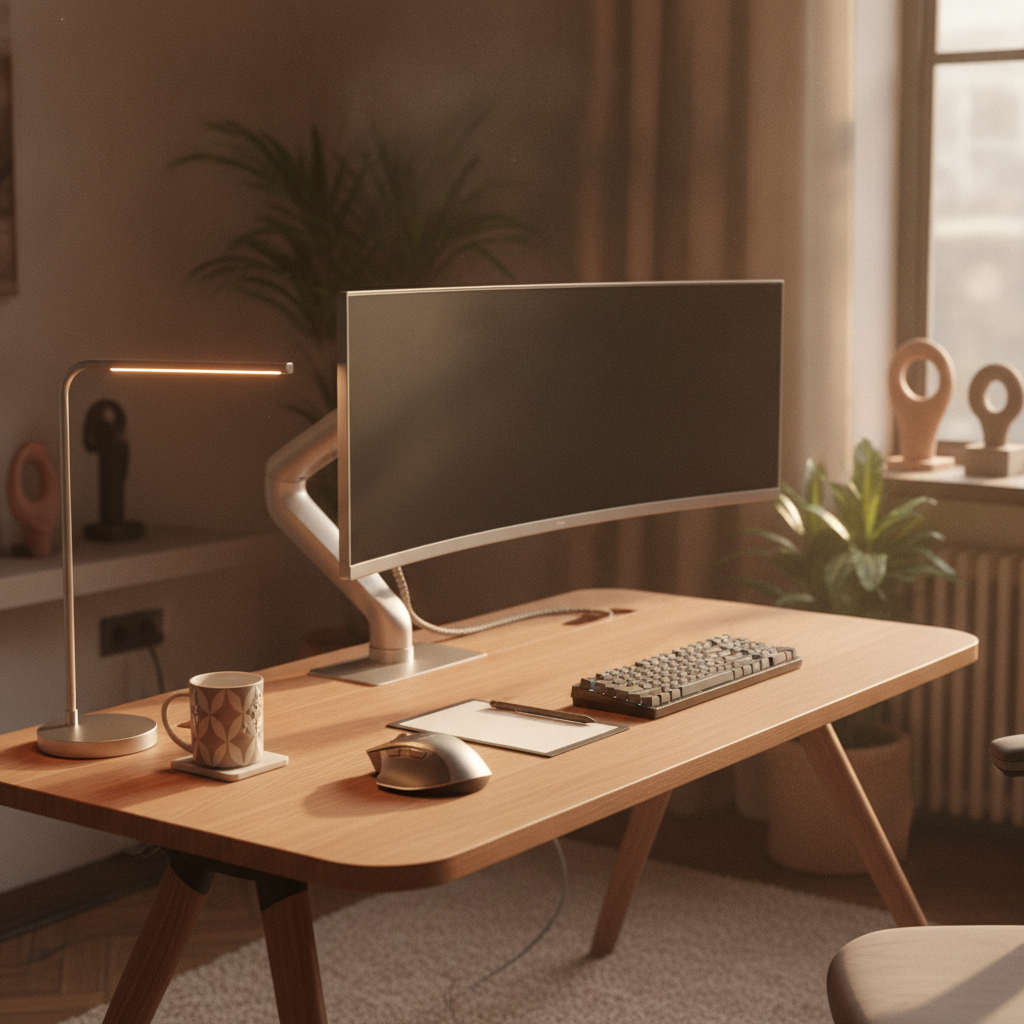
Being left-handed comes with unique challenges, especially when it comes to workspace design. Most desks, keyboards, and tools are made for right-handed people. This guide will show you how to create a desk setup for left handed users that feels natural and comfortable. Whether you’re a student, gamer, or working professional, these steps will help you build a workspace that works for you.
Why Standard Desk Setups Fail Left-Handed Users
Most office furniture and equipment are designed with right-handed users in mind. This creates problems for the 10% of people who are left-handed. Let’s explore why standard setups don’t work and what issues lefties face every day.
The Right-Handed Default Problem
When manufacturers design desks and tools, they assume most users are right-handed. Mouse placement, keyboard layouts, and even notebook bindings all favor the right hand. This means left-handed users must adapt to equipment that doesn’t fit their natural movements. A proper desk setup for left handed users requires rethinking these default positions.
Common Pain Points for Lefties at Work
Left-handed people often experience:
- Wrist strain from using right-handed mice
- Ink smudges when writing on spiral notebooks
- Awkward reaching for items placed on the right side
- Screen glare from poorly positioned monitors
- Shoulder pain from uneven desk layouts
These issues can lead to long-term discomfort and reduced productivity. That’s why creating a customized desk setup for left handed users is so important.
Step 1: Audit Your Tasks Before Building Your Desk Setup
Before you move anything, take time to understand your work habits. This step is crucial for building an effective desk setup for left handed users.
Identify Which Hand Does What
Make a list of your daily tasks and note which hand you use for each:
- Writing: Left hand
- Mouse control: Left or right hand?
- Keyboard typing: Both hands
- Paper handling: Usually left hand
- Phone use: Which hand holds it?
Some lefties use their right hand for the mouse to share desks or use standard equipment. Your desk setup for left handed users should match your actual habits, not just your dominant hand.
Map Your Primary Work Zones
Divide your desk into three zones:
- Primary zone: Where your hands rest most often (keyboard, mouse area)
- Secondary zone: Items you reach for frequently (notebook, phone, coffee)
- Tertiary zone: Items used occasionally (printer, files, decorations)
For a desk setup for left handed users, your primary zone should be centered or slightly left of center.
Step 2: Choose the Best Desk Layout for Left Handed Users
Your desk layout determines how comfortable you’ll be throughout the day. Here are three common approaches for your desk setup for left handed users.
Full Left-Handed Setup
This layout mirrors a standard right-handed desk:
- Mouse on the left side
- Keyboard centered or slightly right
- Notebook and writing materials on the left
- Monitor positioned for left-side viewing
This works best if you’re fully left-handed and don’t share your desk with right-handed users.
Mixed-Handed Setup (Write Left, Mouse Right)
Many lefties write with their left hand but use the mouse with their right. For this desk setup for left handed users:
- Mouse on the right side
- Keyboard centered
- Writing area on the left
- Monitor centered or slightly right
This hybrid approach works well in shared workspaces.
Laptop-Only and Compact Desk Setups
If you use a laptop primarily:
- Position laptop slightly left of center
- Use an external left-handed mouse on the left
- Keep writing materials to the left
- Use a laptop stand to raise the screen to eye level
Step 3: Position Your Chair and Desk Height for Left-Handed Comfort
Proper chair and desk height prevent strain and fatigue. This applies to any desk setup for left handed users.
Set Your Chair for Neutral Posture
Adjust your chair so that:
- Your feet rest flat on the floor
- Your knees form a 90-degree angle
- Your back is supported by the chair’s lumbar support
- Your shoulders stay relaxed, not hunched
- Your elbows rest at 90 degrees when typing
Adjust Desk Height for Left-Handed Reach
Your desk height should allow:
- Forearms parallel to the floor when typing
- Wrists in a neutral position (not bent up or down)
- Easy reach to all primary zone items without stretching
- Enough leg clearance underneath
Standard desk height is 28-30 inches. If you’re shorter or taller, consider an adjustable desk for your desk setup for left handed users.
Step 4: Place Your Monitor in Your Left-Handed Desk Setup
Monitor placement affects neck strain and eye comfort. Here’s how to position screens in your desk setup for left handed users.
Single Monitor Positioning for Left-Handed Users
For a single monitor:
- Place it directly in front of you, not to the left or right
- The top of the screen should be at or slightly below eye level
- Keep it an arm’s length away (20-26 inches)
- Tilt it slightly upward (10-20 degrees) if needed
Even in a desk setup for left handed users, the monitor should stay centered to prevent neck twisting.
Dual Monitor Setup for Lefties
If you use two monitors:
- Place the primary monitor directly in front
- Position the secondary monitor on your dominant side (left for full lefties)
- Angle the secondary monitor toward you (30-degree angle)
- Keep both monitors at the same height and distance
Step 5: Arrange Your Keyboard and Mouse for Left-Handed Use
Keyboard and mouse placement are critical for comfort. Let’s optimize these for your desk setup for left handed users.
Best Keyboard Options for Left-Handed Users
Standard keyboards work for most lefties, but consider these options:
- Symmetrical keyboards: Work equally well for both hands
- Split keyboards: Allow custom hand positioning
- Tenting keyboards: Reduce wrist strain
- Compact keyboards: Save space for mouse movement
Mouse Placement and Left-Handed Mouse Options
For your desk setup for left handed users, place the mouse:
- Immediately next to the keyboard (no gap)
- At the same height as the keyboard
- Within easy reach without shoulder movement
Consider these mouse options:
- Ambidextrous mice: Work for both left and right hands
- Left-handed mice: Shaped specifically for left-hand grip
- Vertical mice: Reduce wrist strain for either hand
- Trackballs: Can be operated with left hand easily
Numeric Keypad Solutions for Lefties
If you use numbers frequently:
- Place a separate numeric keypad on your left side
- Use a keyboard with a built-in left-side numpad
- Consider a compact keyboard to save space
Step 6: Set Up Your Writing and Document Zone
Writing comfort is especially important for left-handed users. This section of your desk setup for left handed users focuses on paper and document placement.
Paper Angle and Position for Left-Handed Writers
Left-handed writers should:
- Angle paper clockwise (top-right corner higher than top-left)
- Position paper to the left of the keyboard
- Use the left side of the desk for writing tasks
- Keep frequently referenced documents on the left
Document Holders and Writing Mats
Use these tools to improve your desk setup for left handed users:
- Angled document holders: Place on the left side to reduce neck strain
- Writing mats: Provide smooth surfaces and prevent paper sliding
- Left-handed desk organizers: Keep pens and tools within easy reach
Step 7: Optimize Lighting for Your Left-Handed Desk Setup
Good lighting reduces eye strain and prevents shadows while writing. Here’s how to light your desk setup for left handed users properly.
Why Lamp Placement Matters for Lefties
If your light source comes from the wrong side, your hand casts shadows on your work. For left-handed writers, this is a common problem that affects visibility and comfort.
Best Lighting Position to Avoid Shadows
For your desk setup for left handed users:
- Place desk lamps on the right side of your workspace
- Use overhead lighting that illuminates the entire desk evenly
- Avoid placing lights directly behind your monitor (causes glare)
- Consider adjustable arm lamps that can be positioned as needed
Step 8: Test and Fine-Tune Your Left-Handed Desk Setup
After setting up your desk, test it thoroughly. This final step ensures your desk setup for left handed users truly works for you.
The 30-Minute Test Method
Spend 30 minutes doing your normal work tasks:
- Type for 10 minutes – check wrist and shoulder comfort
- Write for 10 minutes – look for shadows and paper positioning issues
- Use the mouse for 10 minutes – test reach and grip comfort
Note any discomfort or awkward movements. These indicate areas that need adjustment in your desk setup for left handed users.
Common Adjustments to Make
Based on your test, you might need to:
- Move the mouse closer or further from the keyboard
- Adjust monitor height or angle
- Reposition writing materials
- Change chair height
- Modify lamp placement
Make small changes and test again until everything feels natural.
Troubleshooting Common Desk Setup Problems for Left Handed Users
Even with careful planning, you might encounter issues. Here are solutions to common problems in your desk setup for left handed users.
Shoulder and Wrist Pain Solutions
If you experience pain:
- Shoulder pain: Check if you’re reaching too far. Move items closer or adjust chair position.
- Wrist pain: Ensure wrists stay neutral. Try a wrist rest or different mouse type.
- Neck pain: Adjust monitor height and distance. Check if you’re twisting to see the screen.
Fixing Mouse-Writing Collisions
If your mouse and writing area overlap:
- Use a smaller mouse to save space
- Move the keyboard slightly right to create more left-side space
- Consider a compact keyboard without a number pad
- Use a trackball mouse that doesn’t need movement space
Eliminating Writing Smudges
Left-handed writers often deal with ink smudges. Try these solutions:
- Use quick-dry ink pens
- Place a clean sheet under your writing hand
- Angle your paper more steeply (clockwise)
- Try gel pens that dry faster than ballpoint
FAQ: Common Questions About Desk Setup for Left Handed Users
Should Left-Handed Users Put Their Mouse on the Left?
It depends on your habits. If you’re fully left-handed, yes, place the mouse on the left. If you write left but mouse right, keep the mouse on the right. Your desk setup for left handed users should match how you actually work, not just your dominant hand.
What Is the Best Keyboard for Left-Handed Users?
Most standard keyboards work fine for lefties. However, split keyboards and symmetrical designs offer more flexibility. The best keyboard for your desk setup for left handed users is one that keeps your wrists neutral and allows comfortable typing.
How Should Lefties Angle Their Paper When Writing?
Rotate paper clockwise so the top-right corner is higher than the top-left. This angle (about 30-45 degrees) allows your left hand to move naturally across the page without smudging or awkward wrist positions.
Can Left-Handed Users Share a Desk With Right-Handed People?
Yes, but it requires compromise. Consider a mixed-handed setup where the mouse stays on the right but writing materials are on the left. Alternatively, use an adjustable desk that can be reconfigured for each user. Your desk setup for left handed users might need to be flexible in shared spaces.
Final Tips for Maintaining Your Left-Handed Desk Setup
Once you’ve created your ideal desk setup for left handed users, maintain it with these practices:
- Take breaks: Stand up and stretch every 30-60 minutes
- Reassess monthly: Your needs might change. Check if adjustments are needed.
- Keep it clean: A cluttered desk leads to poor ergonomics
- Listen to your body: Pain or discomfort means something needs to change
- Invest in quality: Good ergonomic tools last longer and work better
Building the perfect desk setup for left handed users takes time and experimentation. Don’t be afraid to make changes until everything feels right. Your comfort and health are worth the effort.
Remember, the goal of any desk setup for left handed users is to create a workspace that feels natural and prevents strain. Follow these steps, test your setup, and make adjustments as needed. Soon you’ll have a workspace that supports your left-handed workflow perfectly.