
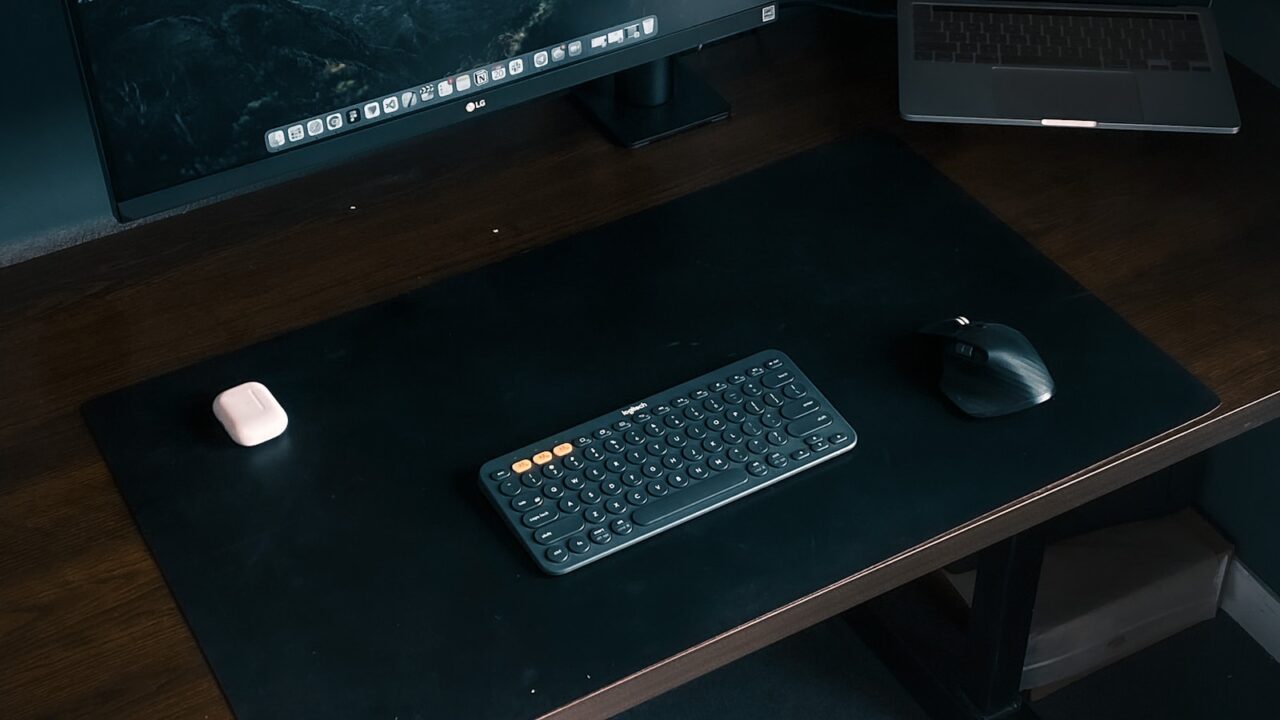
A practical starting point is to place the top of the monitor near eye level or slightly below, then adjust for screen size, glasses, text size, and whether you lean forward during work.
Key Takeaways
- Monitor height should be adjusted after chair height is set.
- The top of the screen near eye level is a useful starting point.
- Large monitors may need a slightly lower position.
- Laptop users usually need a stand plus external keyboard and mouse.
Table of contents: What to Check · Comparison Table · FAQ
What to Check
Set the chair first
Monitor height cannot be judged well until your chair and typing posture are stable. Sit with feet supported and shoulders relaxed before moving the screen.
If the chair is too low or too high, monitor changes may only hide the real problem. Adjust the whole workstation as a system.
Adjust for your screen and vision
A large display may feel better with the top edge slightly below eye level because you scan more vertical space. Smaller monitors can often sit closer to eye level.
If you wear progressive lenses or tend to tilt your head back, a lower screen position may be more comfortable than the standard rule.
Comparison Table
| Setup | Starting height | Watch for |
|---|---|---|
| Single 24-27 inch monitor | Top near eye level | Neck bending down or up |
| Large 32 inch monitor | Top slightly below eye level | Vertical scanning strain |
| Laptop | Raised screen with external keyboard | Hands too high if typing on laptop |
| Dual monitors | Matched top edges | Head turning too far |
Helpful References
For general workstation context, compare your setup against OSHA Computer Workstations eTool and CDC/NIOSH ergonomics guidance. You can also review our editorial policy.
Frequently Asked Questions
What monitor height is best for neck comfort?
Start with the top of the screen near eye level or slightly below. Adjust based on screen size, vision, and whether your neck feels relaxed.
Should my monitor be above or below eye level?
For most users, the top edge should be near eye level, with the viewing area slightly below. Large screens may sit a bit lower.
How do laptop users fix monitor height?
Use a laptop stand to raise the screen and add an external keyboard and mouse so typing stays at a comfortable height.
Bottom Line
Use this guide as a practical baseline, then adjust the layout to your room, body, workflow, and equipment. A good desk setup should be easy to work at and easy to reset.