
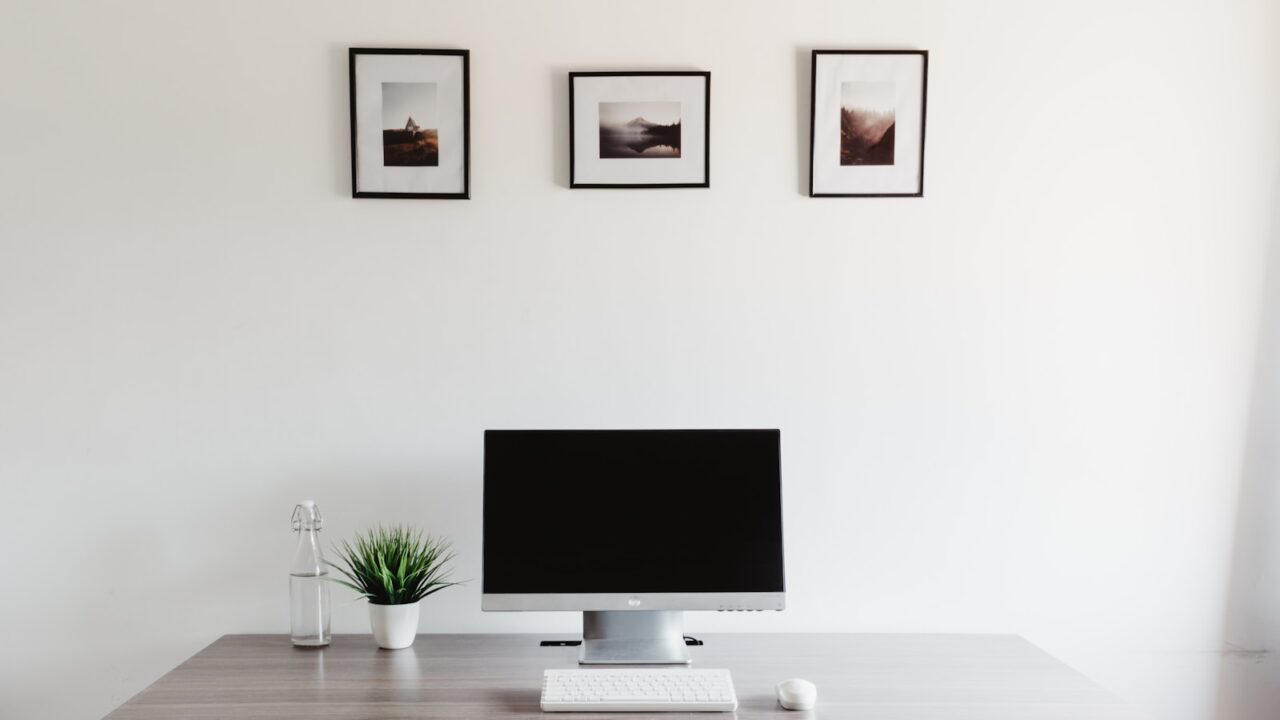
Minimal desk setup ideas work best when they remove friction, not personality. For small rooms, the goal is a compact workspace with enough surface area, clean cable paths, and only the tools you use every day.
Quick Answer
A minimal desk setup should use one main screen, compact input devices, under-desk cable routing, a small lamp, and a limited color palette. Keep one empty zone on the desk so the space does not feel packed.
Key Takeaways
- Minimal does not mean empty; it means every item earns its spot.
- Choose smaller accessories before choosing a smaller desk.
- One drawer or shelf near the desk prevents surface clutter.
- A two-color palette keeps budget gear looking intentional.
Table of contents: What to Prioritize · Setup Checklist · Comparison Table · Common Mistakes · Frequently Asked Questions
What to Prioritize
Start by removing duplicates. If two items do the same job, keep the one that is easier to reach and store the other.
Use vertical space carefully. A monitor arm, wall shelf, or peg rail can free the desktop without making the room feel crowded.
Keep cables invisible from the normal sitting position. The setup will feel calmer even if the gear is inexpensive.
Setup Checklist
- One primary display or laptop stand, not multiple unused screens.
- Compact keyboard or mouse if the desk is narrow.
- Cable tray and one charging point.
- One small storage container for daily items.
- One decorative item, plant, or framed print instead of many small objects.
Comparison Table
| Item | Best use | What to check |
|---|---|---|
| Small-room problem | Minimal fix | Result |
| No depth | Monitor arm or laptop stand | More keyboard and writing space |
| Visible cables | Under-desk tray | Cleaner sightline |
| Surface clutter | Single drawer organizer | Faster reset at end of day |
Common Mistakes
- Copying a photo that uses a much larger room.
- Buying all-white accessories that are hard to keep clean.
- Removing storage and then letting clutter return to the desktop.
Helpful References
For broader workstation context, compare your setup against OSHA Computer Workstations eTool and CDC/NIOSH ergonomics overview. You can also review our affiliate disclosure and editorial policy.
Frequently Asked Questions
How do I make a small desk look minimal?
Use fewer visible items, route cables under the desk, keep a limited color palette, and reserve one clear work zone. Storage near the desk is essential.
What should be on a minimal desk setup?
Keep the monitor or laptop, keyboard, mouse, lamp, and one or two daily tools. Everything else should have a drawer, shelf, or charging station.
Is a monitor arm good for a minimal setup?
Yes. A monitor arm removes the bulky stand, creates space under the screen, and makes the desktop easier to clean.
Final Recommendation
Use this guide as a practical starting point, then adjust the details to your room, body, equipment, and daily workflow. The best desk setup is the one that stays comfortable and easy to reset after repeated use.